Motion
Transitions
Seamless moves, glitch effects, liquid transitions, zooms, wipes and more stylised ways of moving between shots.
AEJuice is useful for one very simple reason: it can save editing time. Instead of manually building every title, transition, lower third, VFX element or animated graphic, you can pull ready-made assets into the edit and spend more time on the film itself.
AEJUICE PRICES PRODUCTS IN USD · LOCAL CURRENCY FIGURES ON THIS PAGE ARE INDICATIVE · CHECK FINAL STORE PRICE BEFORE PURCHASING.
If you edit video regularly and repeatedly need titles, transitions, VFX, sound design or animated graphics, AEJuice can save a surprising amount of production time.
If you only make occasional videos, don't buy the biggest bundle just because the headline saving is enormous. Start with the free assets first and see whether the workflow actually fits you.
I don't want to spend forty minutes building an animation that appears on screen for four seconds.
My work moves between commercial filmmaking, YouTube, photography tutorials, product reviews and travel films. Those are very different types of video, but they all create the same problem: small production jobs accumulate.
A title needs animating. A product name needs calling out. A transition needs a little more energy. A graphic needs appearing on screen. A sound effect needs matching to it. None of these things is particularly difficult, but creating every one from zero slows the edit down.
That's where a library like AEJuice makes sense to me. I don't see it as something that magically makes a bad edit good. The storytelling, pacing, photography and sound still have to work.
What it can do is remove repetitive production work. Find an element that already gets you 80% of the way there, adapt it to the project and move on.
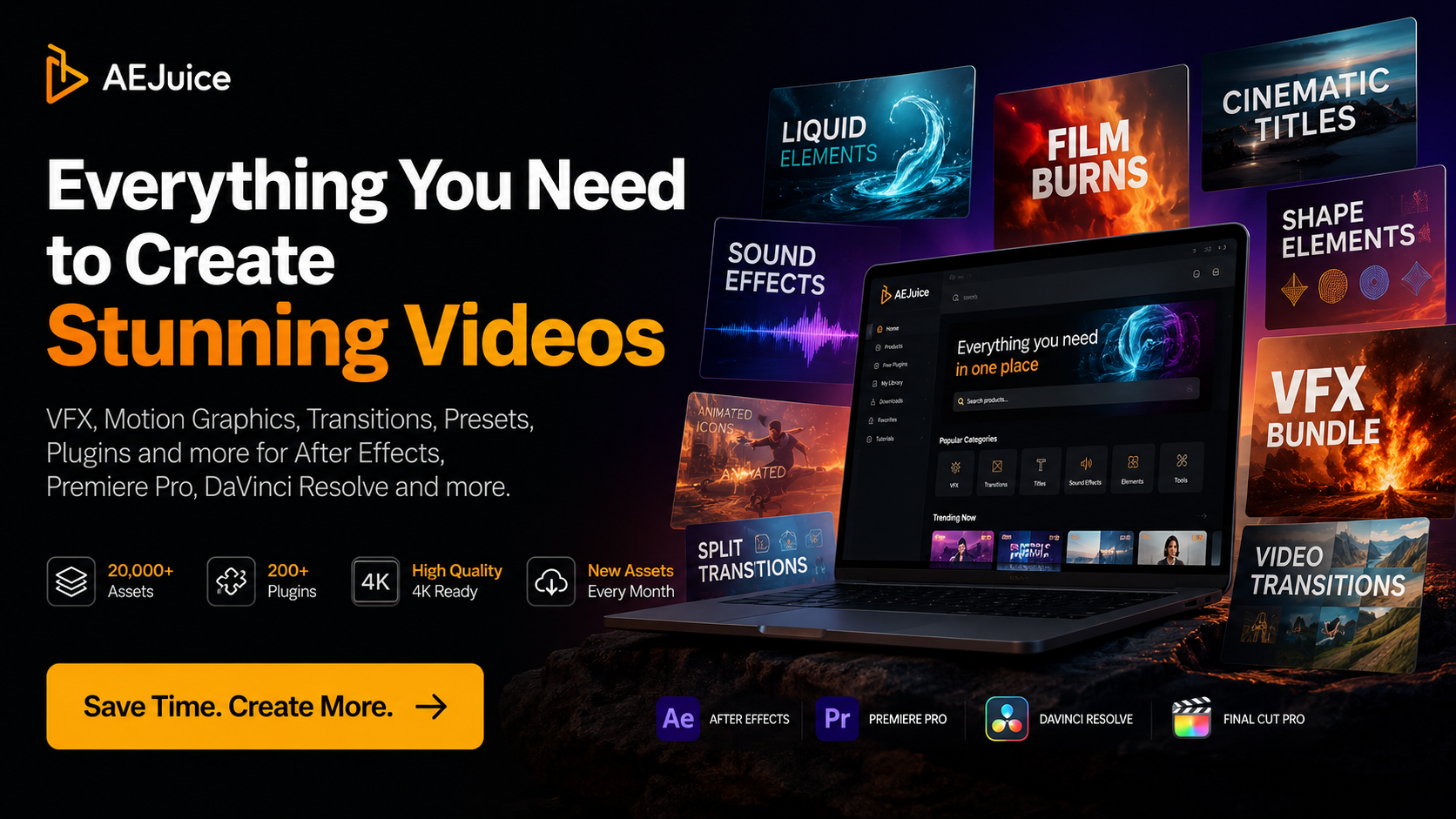
The current AEJuice catalogue spans a broad set of editing and motion-design assets rather than one single plugin category.
Seamless moves, glitch effects, liquid transitions, zooms, wipes and more stylised ways of moving between shots.
Kinetic type, title animations, labels, callouts, captions and information graphics for tutorials and creator videos.
Light leaks, particles, film textures, HUD graphics, prism effects, VHS treatments, atmosphere and other finishing elements.
Whooshes, impacts, clicks, transitions and other small sound-design elements that help animations actually feel finished.
Colour and texture assets can provide quick stylistic starting points alongside your normal grading workflow.
Graphics and animated elements designed for YouTube, vertical video, social posts and other fast-turnaround creator work.
Tools intended to automate repetitive production tasks as well as provide visual effects.
More complete building blocks for intros, interfaces, promos, graphics and larger animated sequences.
This is probably the part of AEJuice that interests me more than simply having thousands of effects.
A huge asset collection becomes almost useless if everything ends up buried in folders with filenames you don't remember. Pack Manager is designed around browsing assets visually, previewing them, downloading only the content you need and bringing assets into supported workflows more quickly.
For somebody working through edits quickly, that matters. I want to search for an idea, preview a handful of options and decide whether one works. I don't want the asset-management process to become another project.
Explore Pack Manager →Compatibility varies between individual packs, so always check the product you're buying. AEJuice's current catalogue can be filtered across several major editing platforms.
Still the most obvious AEJuice workflow for motion graphics, animation presets, constructors, titles, VFX and scripts.
Useful when you want ready-made creator graphics and transitions without constantly moving into a deeper motion-design build.
AEJuice now has a substantial Resolve-filtered catalogue for editors who want packaged motion elements without building everything manually in Fusion.
Selected AEJuice products support Final Cut workflows for editors who want quicker access to pre-built visual assets.
The current product filters also include CapCut, reflecting how much short-form creator editing has moved beyond traditional desktop NLEs.
AEJuice also lists compatibility across other software, while certain rendered assets can work more broadly where they are supplied as standard media files.
Start with the free tools and Starter Pack. If you actually use them in real edits, then compare the larger bundles.
The enormous bundle discount is compelling, but the sensible buying decision depends on how much video you actually make.
AEJuice currently offers free plugins and a free Starter Pack containing more than 100 assets drawn from over 20 packs. That's enough to see whether you like the look, Pack Manager and general workflow before spending anything.
Try AEJuice Free →If you already know you'll regularly use titles, transitions, overlays, textures, graphics, sound effects and VFX, the current Lifetime bundle gives you a far broader library for a one-time purchase.
Check The Lifetime Bundle →
AEJuice lists the individual value at
£6,330
AEJuice currently lists the I Want It All Lifetime Bundle at $149 against a combined individual-product price of $8,412 — a stated 98% saving.
That's obviously an enormous percentage, but I'd still ignore the theoretical $8,412 value when making the buying decision. You're unlikely to have bought all 133 packages separately.
The more useful question is whether roughly $149 is worth paying for a large creative toolbox that you can keep returning to over many edits.
For somebody editing one video every few months, perhaps not. For a YouTube creator, filmmaker or editor producing content every week, the value equation is completely different.
AEJuice makes much more sense when the assets repeatedly solve real editing jobs rather than becoming another library you forget you own.
Titles, callouts, arrows, lower thirds, product labels, subscribe elements and small animations can make informational content feel significantly more finished.
Light leaks, particles, textures, screen effects, film overlays and more stylised elements can help when a project genuinely needs a visual treatment.
Client work often needs graphics delivered quickly. Starting from a professional building block can be far more efficient than designing every animation from zero.
Fast-moving vertical content often benefits from text animation, transitions and graphic language that would be disproportionately time-consuming to build manually.
Don't buy purely from the discount percentage. Check the exact product, software compatibility and current terms first.
Confirm that the packs you actually want support Premiere Pro, After Effects, Resolve, Final Cut or whichever software you use.
If you're new to AEJuice, use the free tools first. Regular editors can then decide whether a large Lifetime bundle makes financial sense.
AEJuice runs frequent promotions. Confirm the actual price, product contents and refund terms on AEJuice before completing payment.
Try AEJuice's free tools first, or compare the current Lifetime bundle if you already know you'll use a large motion-graphics and editing library regularly.
