About Simon Songhurst

Photography · Filmmaking · YouTube

Photographer.Filmmaker.Sharing the process.

More than 25 years behind the camera.My work spans commercial photography and filmmaking. Here, I share the tools, techniques and decisions behind the finished images, through practical tutorials, equipment reviews and a closer look at my working process.

Explore my YouTube channels ↓

Different tools. One creative practice.

Ideas, techniques and work in progress.
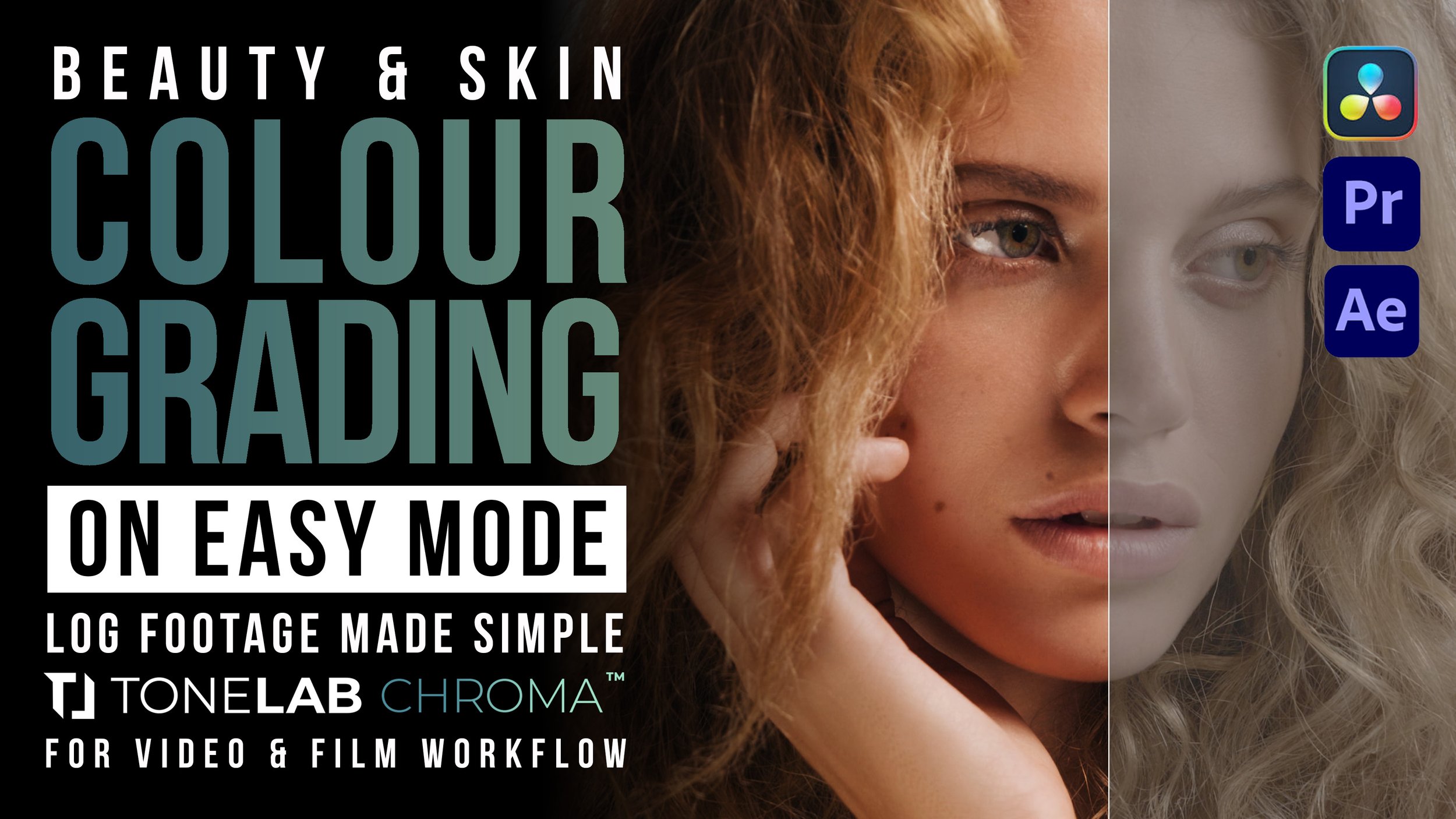
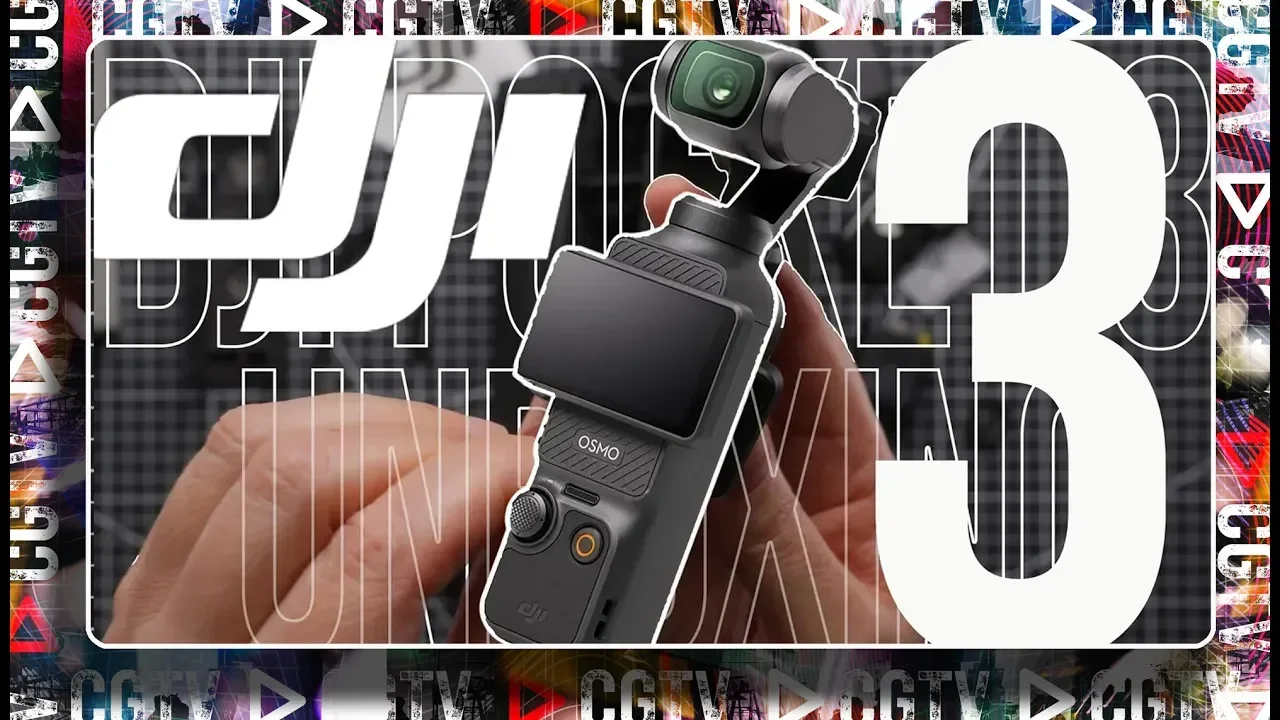
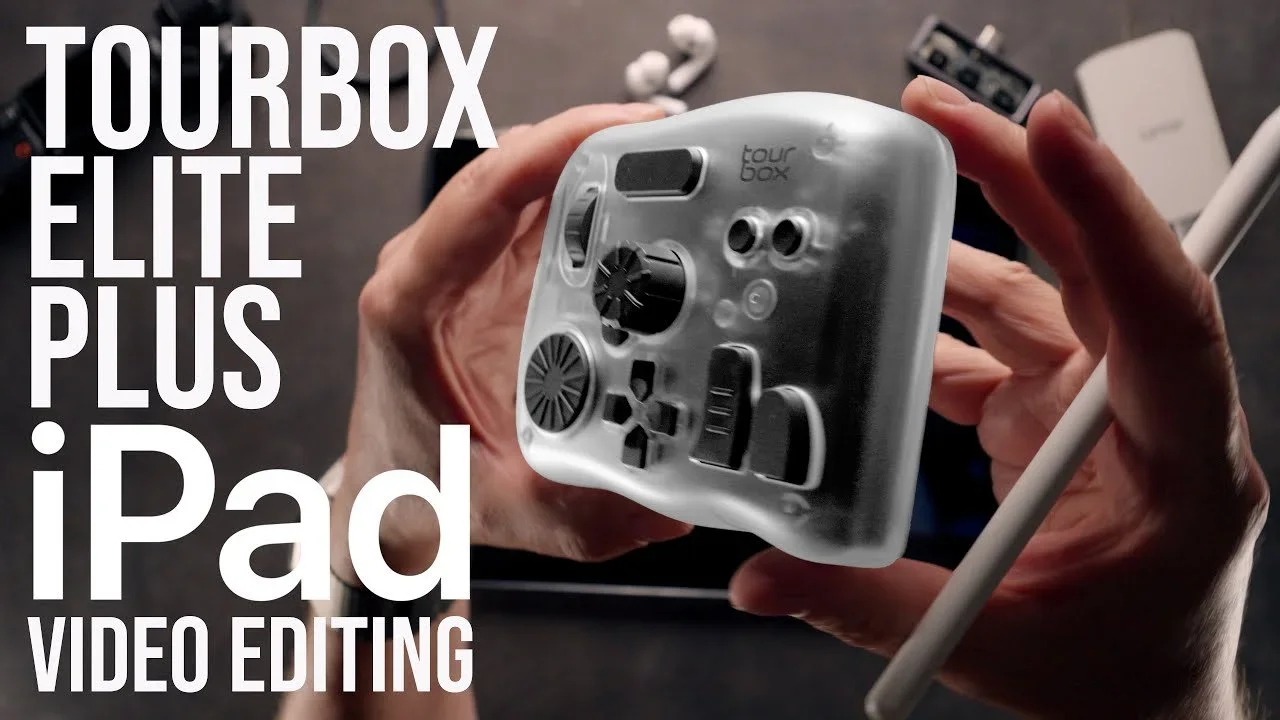
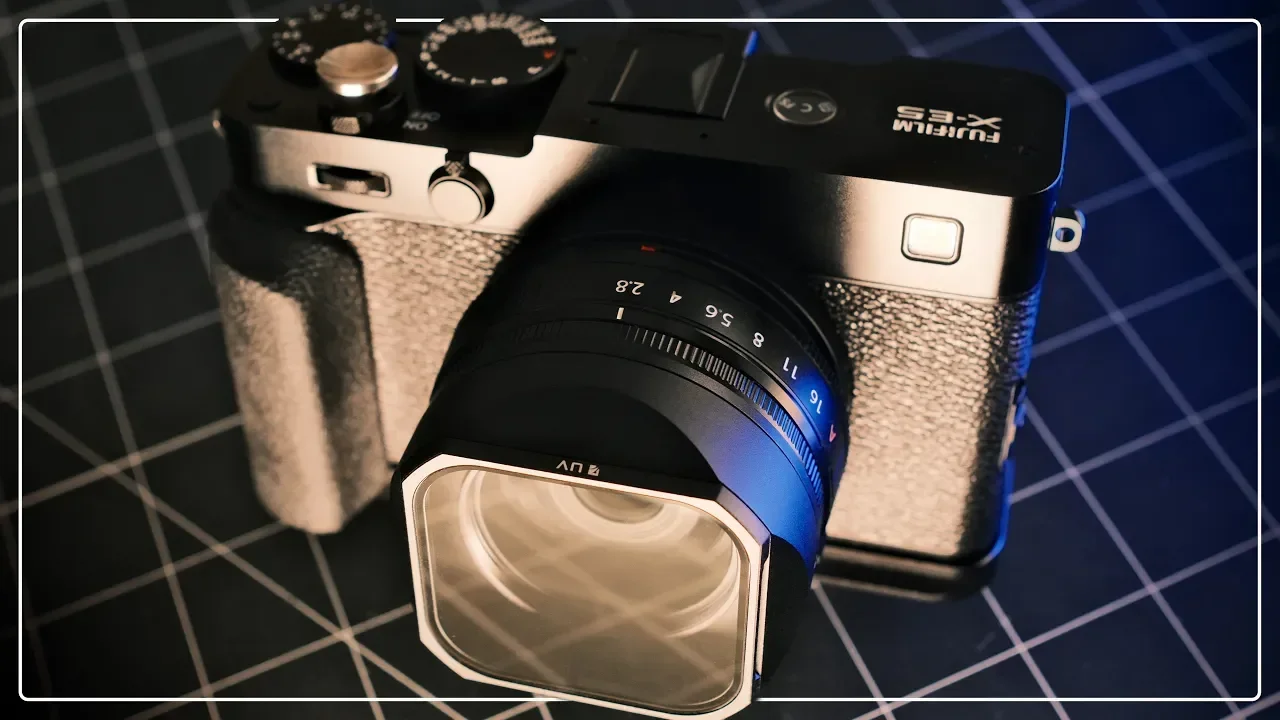
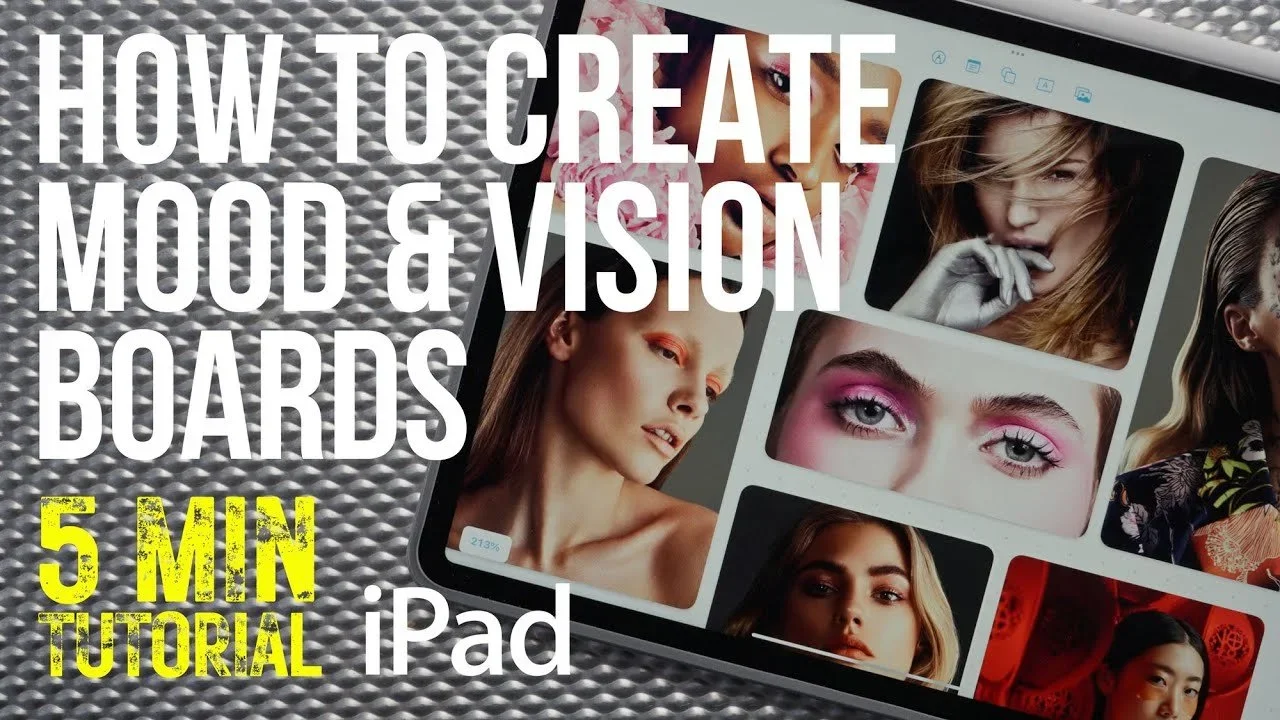
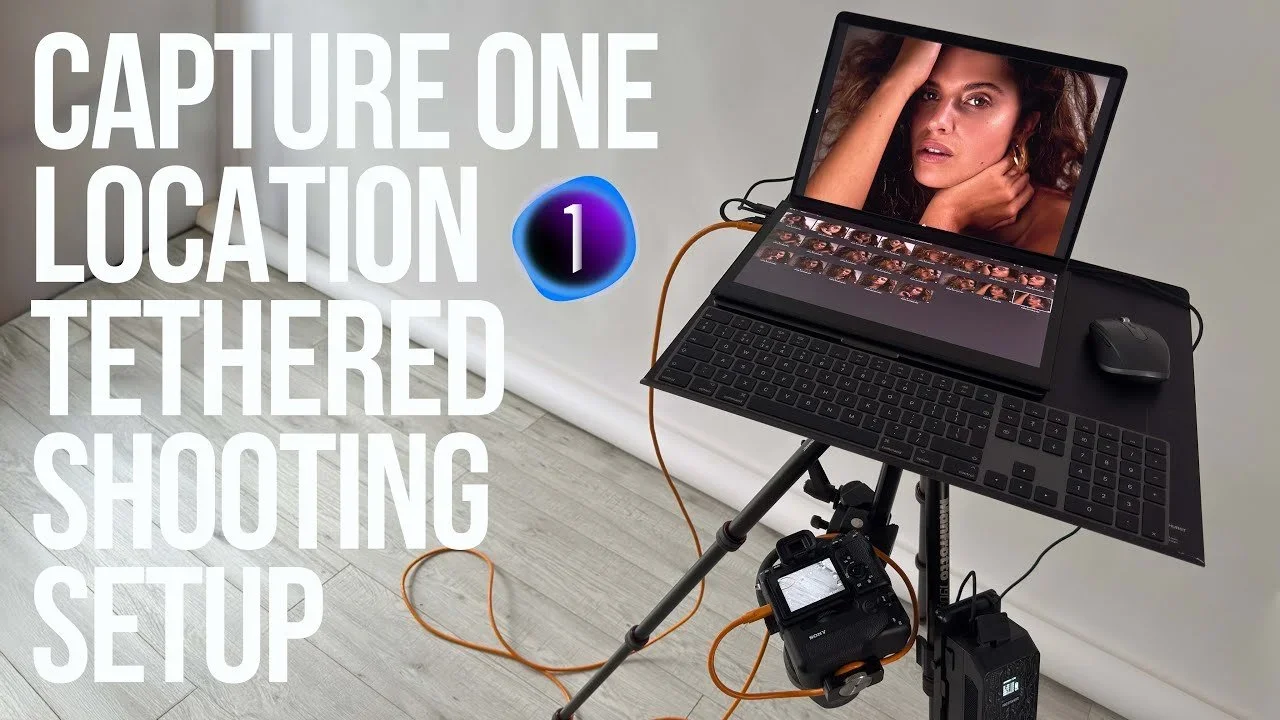
Build a mood board in Apple FreeformPlanning a shoot ↗A portable Capture One tethering setupWorking on location ↗Beauty colour grading with ToneLab Chroma ProColour & filmmaking ↗DJI Osmo Pocket 3DJI Pocket 3 ↗TourBox Elite Plus for iPadCreative tools ↗Fujifilm X-E5 camera setupFujifilm X-E5 ↗
Work with me ↗
25+ yearsCommercial photography & filmmaking
Four channelsWorkflows, gear, carry & personal projects
One working practiceMaking, learning, testing & sharing

The connection

It starts with making the work.

My background is in commercial photography and filmmaking, working across beauty, portraiture, lifestyle and editorial projects. A portfolio shows the finished photographs and films, but there’s a lot of knowledge behind them that never appears in a final image.

That’s what I share here: the software, equipment, lighting choices and working methods that help a project come together.

View my commercial photography ↗

Why YouTube?

A place to learn and share.

YouTube began as a way to document ideas and discoveries from my own work. It has also been one of the places I’ve learned the most, particularly as I’ve explored editing, colour, sound and different ways of making films.

Creating my own videos gives me a reason to examine those processes more closely. What I learn feeds back into commissioned work, and the experience of working professionally gives the videos their context.

The YouTube channels ↓Examples of my work ↓Brand collaborations ↓

01 /

Find the channel for you.

Each channel covers a different part of the work, so you can follow the subjects that interest you.

Software, workflows & tutorials

Simon Songhurst

Practical photography and filmmaking tutorials, from tethered capture and photo editing to detailed retouching. Capture One and Photoshop feature alongside DaVinci Resolve, my main starting point here for video editing and colour workflows.

Watch the workflow & tutorials channel ↗

Equipment reviews & technology

Gear & Tech

My separate review channel looks at cameras, lenses, lighting, accessories and technology. It includes equipment I own and already use, alongside new products sent to me to try, with attention to where each piece fits into a working setup.

Watch Gear & Tech ↗

Camera bags, carry & travel kit

PackPort

A closer look at the bags, slings and luggage that carry the equipment. This channel focuses on how carry choices fit the way you travel, organise a kit and move between places.

Watch PackPort ↗

Personal projects

Travel & Street

Travel and street photography, exploring places, technique and visual storytelling. It’s another side of my creative practice, alongside the commercial work and more technical guides.

Watch Travel & Street ↗

How I approach the content

What does it help you do?

That’s the question I come back to when looking at a new tool or technique. I want to understand where it fits, what it changes and whether it makes sense for the work in front of me.

Some videos introduce an application. Others work through a particular task or look at a piece of equipment. The aim is to give you enough context to make your own decisions.

Browse the workflow tutorials ↗

02 /

A look at the process.

Two examples of how equipment, technique and the finished result come together in my videos.

Wacom Movink professional photographer review video thumbnail

Review / Retouching

Wacom Movink in my editing workflow.

A look at using a pen display for detailed Photoshop retouching and Capture One local adjustments. Wacom also featured my experience on its Community website.

Read my full Movink review ↗Read Wacom’s feature ↗
NEEWER Q120 two-light product photography setup video thumbnail

Demonstration / Product photography

A simple two-light product setup.

Using two NEEWER Q120 flashes, a tabletop backdrop and bounced light to photograph a product. A practical example of showing equipment through the task it helps achieve.

Made in collaboration with NEEWER, who provided the featured products.

Watch the lighting setup ↗

For software & equipment brands

A professional perspective on your product.

I work with software developers, camera and equipment brands, and companies making tools for photographers and filmmakers. Collaborations can include product reviews, software walkthroughs, practical tutorials, sponsored videos and written features.

The videos and articles on this site show how I approach those subjects. If you’re planning a collaboration, the Work with me page explains the options and how to get in touch.

Explore brand collaborations ↗
For photographers & filmmakers

Find something for your own work.

If you’re learning an application, researching your next piece of kit or looking for a more practical way through an edit, start with the workflow library or review collection.

Photography & DaVinci Resolve tutorials ↗Camera gear & technology reviews ↗Brands, creator codes & offers ↗

About my work

A few useful answers.

Are you a photographer or a YouTube creator?

Both. I’m a professional photographer and filmmaker with more than 25 years of commercial experience. My YouTube work sits alongside that practice, sharing the tools, processes and lessons behind it.

Which channel covers editing tutorials?

The Simon Songhurst channel covers photography and filmmaking workflows, including Capture One, Photoshop and DaVinci Resolve. Gear & Tech is a separate channel focused on equipment and technology reviews.

Can I commission photography or filmmaking?

You can see my commercial work at simonsonghurst.com. For a project enquiry or a creator collaboration, the Work with me page gives you a route to get in touch.

Can software and gear brands work with you?

Yes. I work on reviews, demonstrations, tutorials and brand partnerships. Send an outline of the product, intended audience, deliverables and timing through the contact details on the Work with me page.

Simon Songhurst / Photography, filmmaking & YouTubeProfessional experience. Shared through the work.
0
Skip to Content
WORKFLOW & REVIEWS
WORKFLOWS
REVIEWS
PHOTOGRAPHY
BRANDS
ABOUT
WORK WITH ME
THE EDIT
WORKFLOW & REVIEWS
WORKFLOWS
REVIEWS
PHOTOGRAPHY
BRANDS
ABOUT
WORK WITH ME
THE EDIT
WORKFLOWS
REVIEWS
PHOTOGRAPHY
BRANDS
ABOUT
WORK WITH ME
THE EDIT
Simon Songhurst — Footer preview

Simon Songhurst

Photographer, filmmaker and creator.
Practical workflows, gear reviews and the tools behind the work.

Explore

  • Home
  • Workflow tutorials
  • Gear reviews
  • Journal & articles
  • Brands & creator offers
  • About Simon
  • Commercial photography ↗

Watch on YouTube

  • Workflows & tutorials ↗
  • Gear & Tech ↗
  • PackPort ↗
  • Travel & Street ↗

Work together

Software tutorials, equipment reviews and creative brand collaborations.

youtube@simonsonghurst.comWork with Simon ↗

Browse guides & brand offers

Photography & editing tutorials
  • Capture One on iPad: wired & wireless tethering
  • Retouching with Wacom Movink
  • Fujifilm X-T4 meets Capture One on iPad
  • A client workflow with Moodcase
  • Getting started with Capture One
  • Build a mood board in Apple Freeform
  • Getting started with Nik Collection
  • Beauty retouching in Photoshop
  • A portable Capture One tethering setup
  • Film emulation with Dehancer
  • Getting started with DxO PhotoLab
  • Beauty retouching with Evoto AI
  • Beauty retouching in Capture One
  • AI retouching with Photoshop & Retouch4me
DaVinci Resolve & filmmaking
  • Skin retouching in DaVinci Resolve
  • Beauty colour grading with ToneLab Chroma Pro
  • A faster edit in DaVinci Resolve
  • Retouch4me for DaVinci Resolve
  • Beauty Box in Final Cut Pro
  • Getting started with Final Cut Pro
Software codes & offer details
  • Adobe
  • CineColor
  • Color Precision
  • Dehancer
  • DxO PhotoLab
  • DxO PureRAW
  • Evoto
  • Excire
  • Luminar
  • Motion VFX
  • Mylio Photos
  • Nik Collection
  • ON1 Photo RAW
  • Retouch4Me
  • Tonelab Chroma
Music & audio offers
  • Artlist
  • Audiio
  • Epidemic Sound
  • Soundstripe
Camera gear, carry & accessories
  • 7 Artisans
  • Aura Frames
  • Black Ember
  • FREEWELL
  • Grams 28
  • Gomatic
  • Kraft Geek
  • NEEWER
  • Peak Design
  • Photoolex
  • PLANCK
  • Sirui
  • TACTICAL GEEK
  • Thypoch Lenses
  • Viltrox
  • ZHIYUN
Creative tools & service offers
  • IONOS
  • Milanote
  • Moodcase
  • Pic-Time
  • Set A Light 3D
  • Skillshare
  • Three Mobile

© Simon Songhurst / Photography, filmmaking & creative workflows

Instagram ↗TikTok ↗