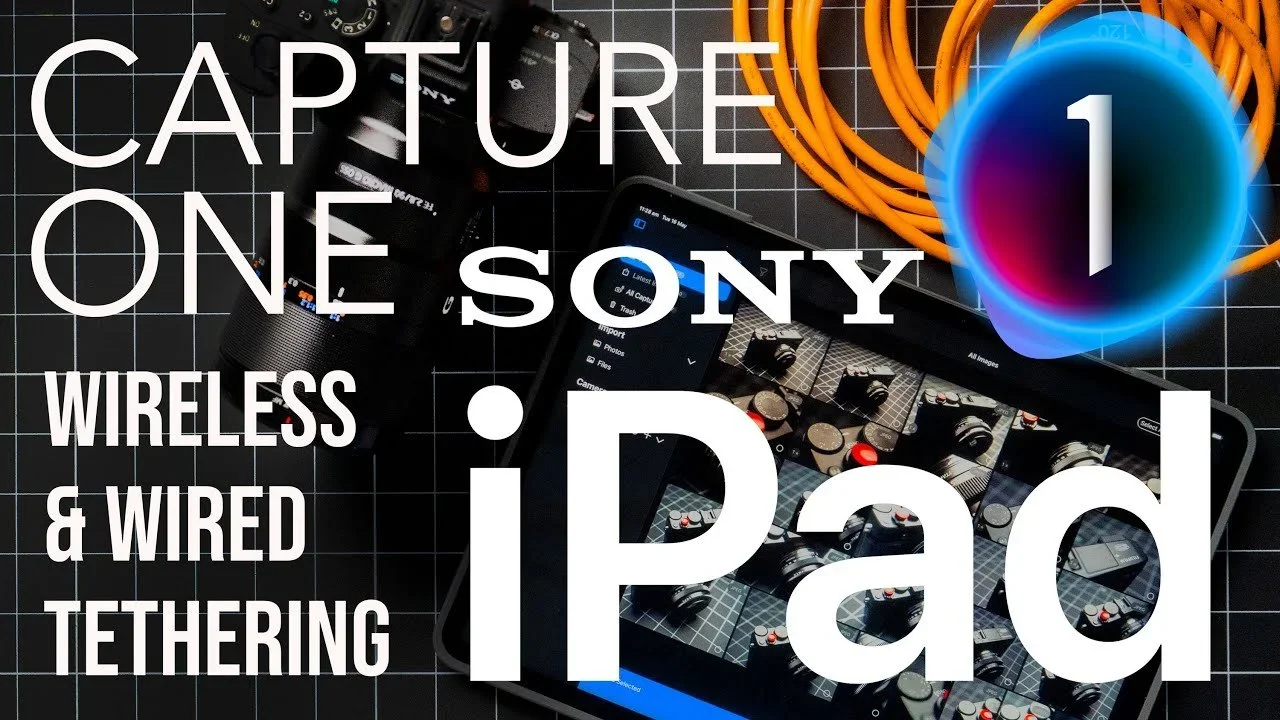
Capture One · iPad
Capture One on iPad: wired & wireless tethering
Connect your camera to an iPad with a cable or a wireless connection.
Read the guideSimon Songhurst / The working process
Capture · Retouch · Edit
How I shoot, retouch and edit.Practical guides to the tools I use as a professional photographer and filmmaker, from Capture One and Photoshop to DaVinci Resolve.
Explore the workflowsFeatured workflow / Capture
An iPad can be a useful alternative to a laptop when you’re shooting tethered. This guide looks at connecting your camera with Capture One, using a cable or a wireless connection.
See the setupInside the workflow library
Find a tool. See the process.The photographer behind the workflows
I’m a photographer and filmmaker with more than 25 years of experience, working across commercial photography, beauty and portraiture. Here, I share the practical side of that work — how I set up a shoot, use the software and work through an edit.
More about SimonWhat this page is for
I’ve brought my tutorials and workflow guides together in one place. Some will help you get started with an application. Others look at a specific job, like tethering a camera, retouching skin or working on colour. For video, start with the DaVinci Resolve editing and retouching guides.
I want to show how these tools fit into an actual shoot or edit, so you can decide what might work for you.
A few guides to try first
New to Capture One? Start here before moving on to the more specialised guides.
Open the beginner guide 02 / Refine the imageSee how Photoshop and Retouch4me fit together when working on beauty images.
Explore retouching 03 / Edit in DaVinci ResolveTake a look at my keyboard shortcuts and editing setup, then try the Resolve skin retouching guides below.
See the Resolve setup01 /
From visual references to tethered shooting and client workflows.
Capture One · iPad
Connect your camera to an iPad with a cable or a wireless connection.
Read the guide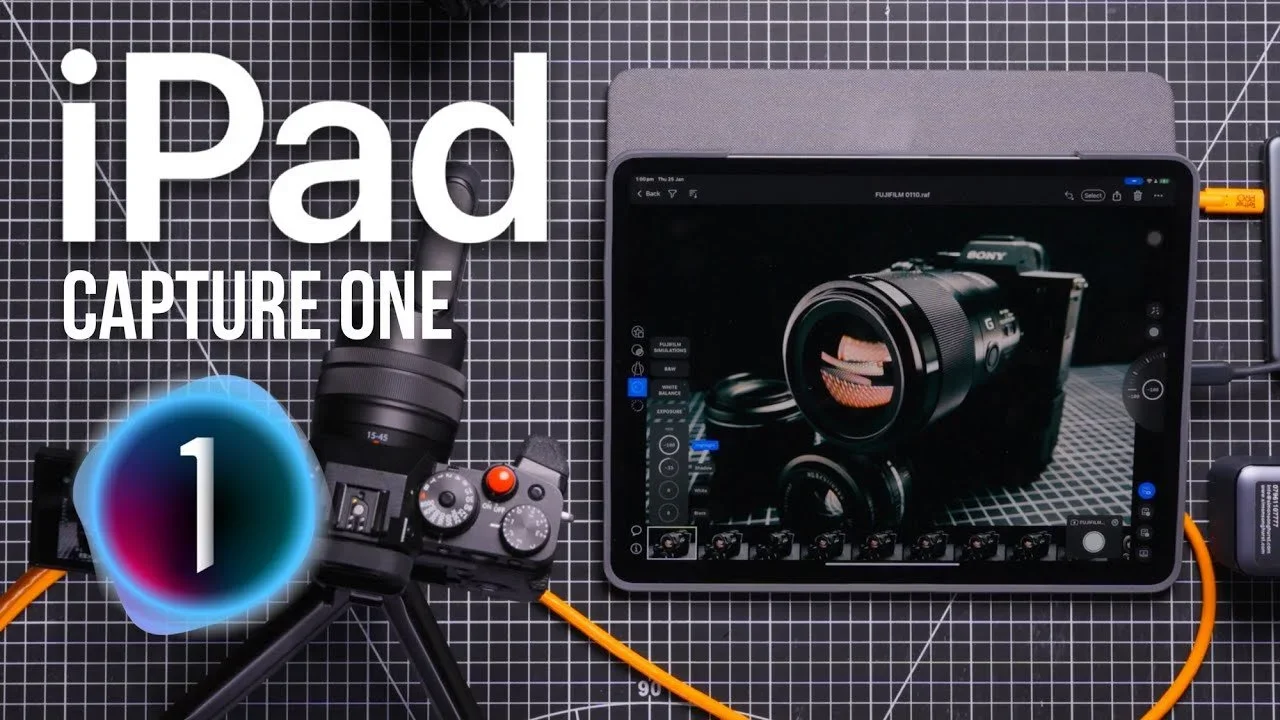
Fujifilm · Capture One
A capture setup pairing the Fujifilm X-T4 with Capture One on iPad.
Read the guide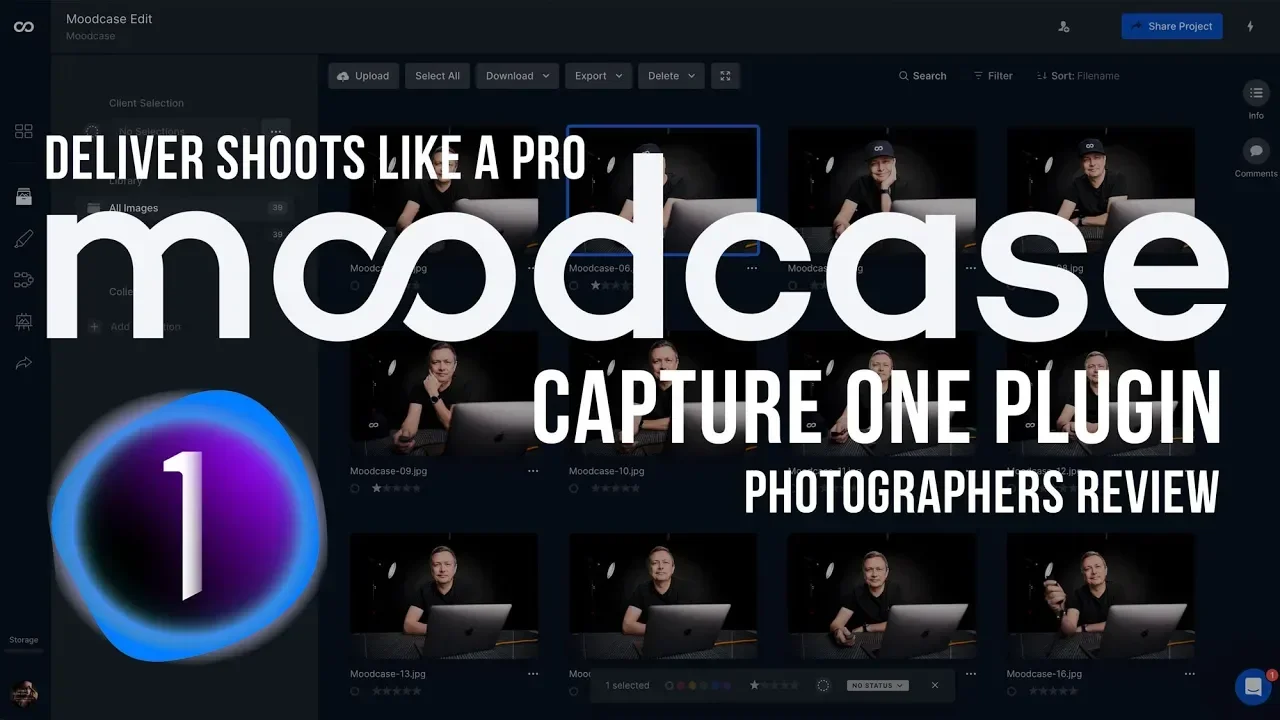
Capture One · Client delivery
See how Moodcase fits into the process of sharing work with clients.
Read the guide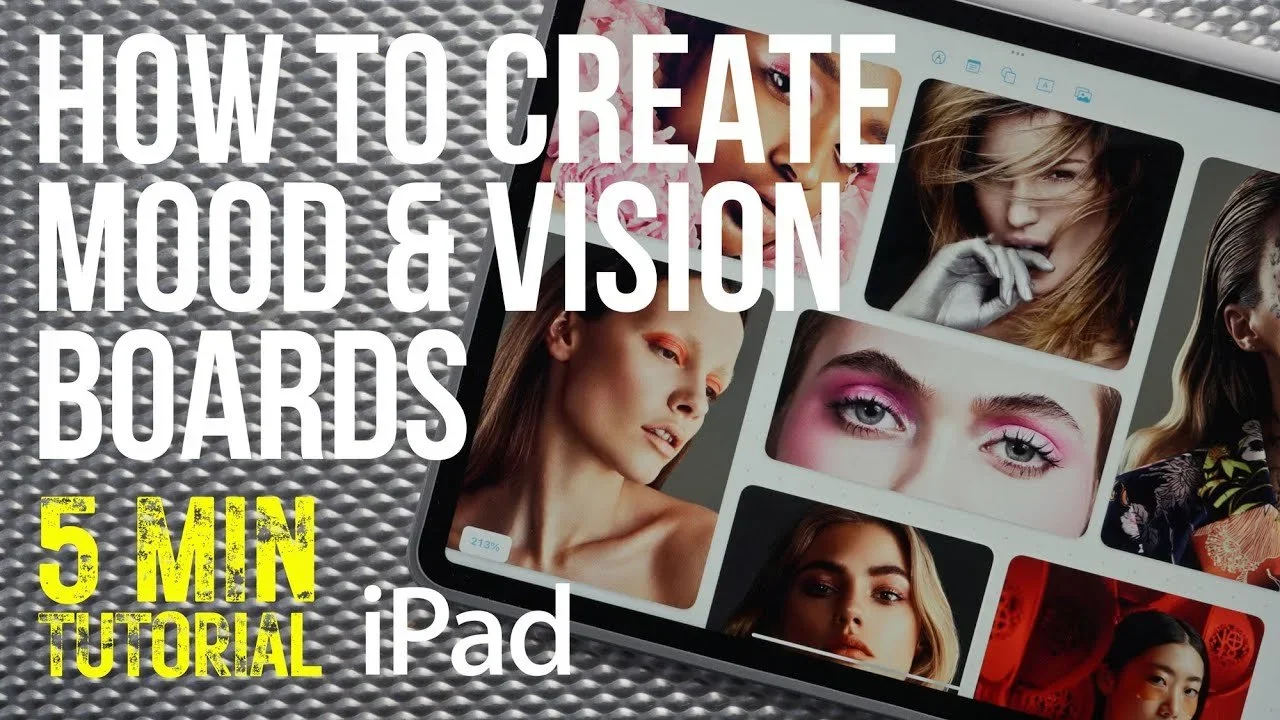
Apple Freeform · Planning
Bring visual references together before the shoot.
Read the guide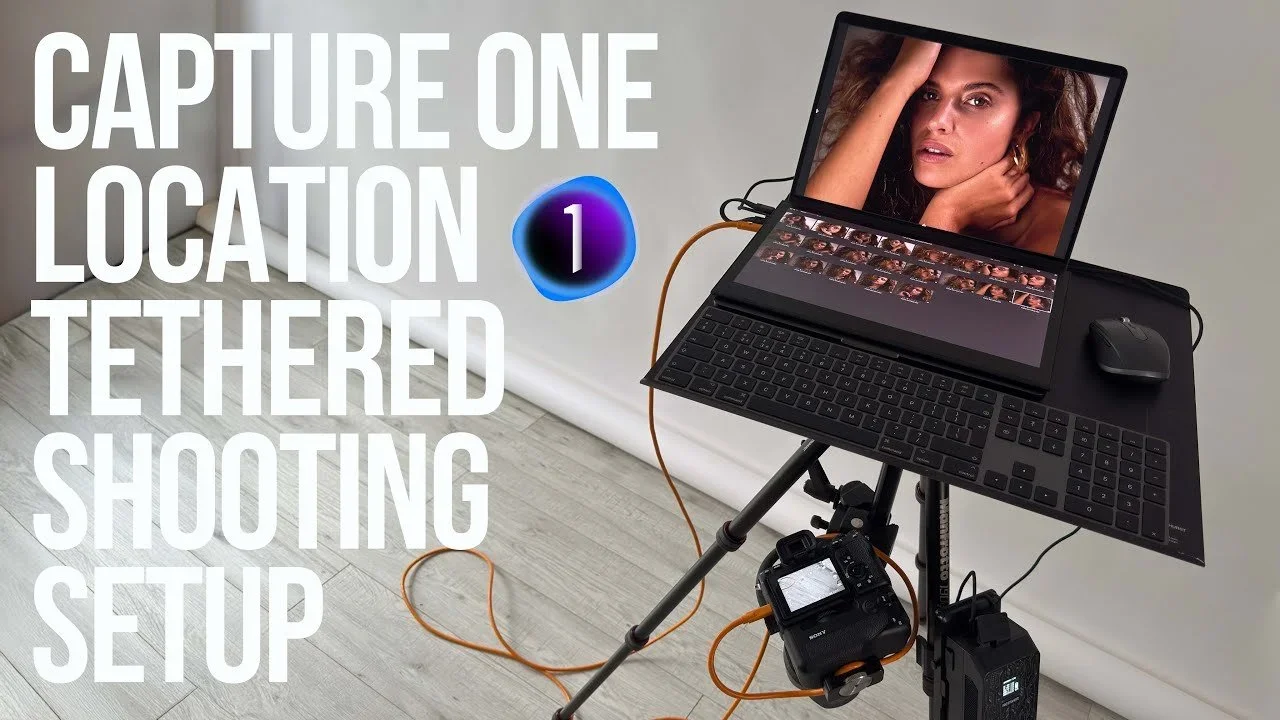
Capture One · On location
See the equipment and arrangement for a portable tethered shoot.
Read the guide02 /
Explore beauty and skin retouching across photographic tools.
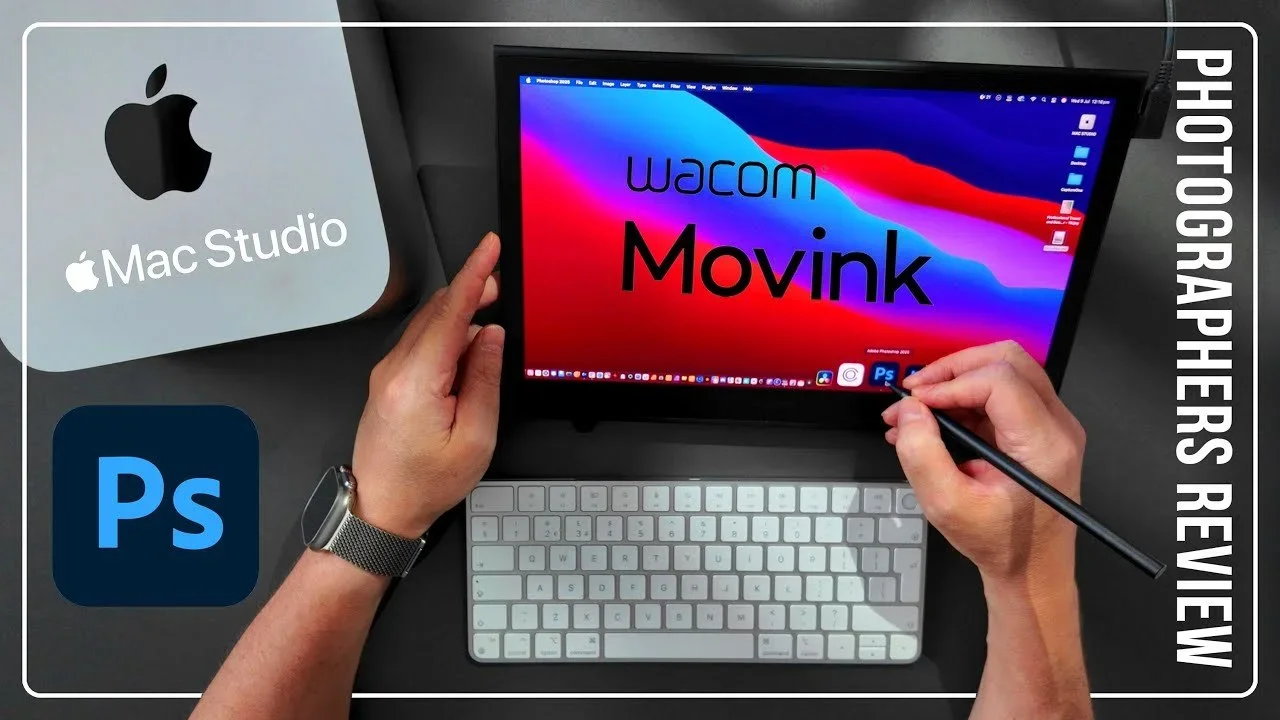
Photoshop · Wacom
See where the Wacom Movink fits into a photographic retouching setup.
Read the guide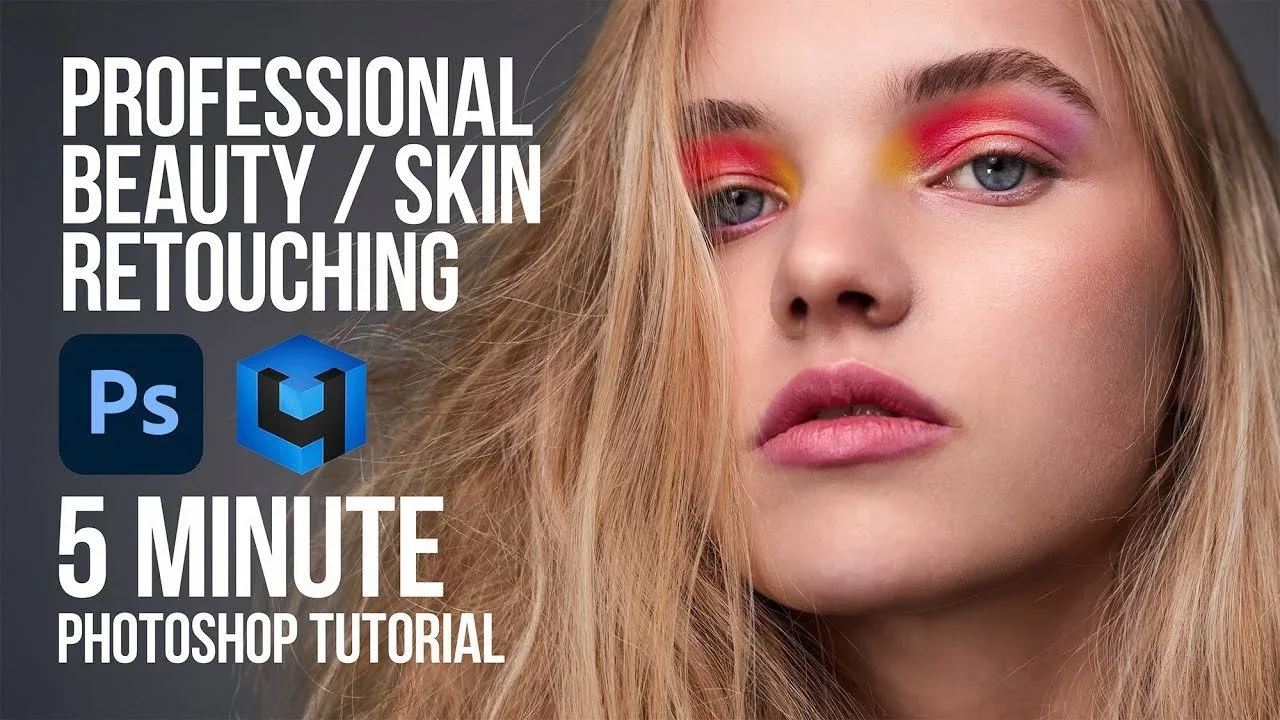
Photoshop · Retouch4me
See how Photoshop and Retouch4me come together for beauty retouching.
Read the guide
Evoto · Retouching
See how Evoto handles beauty retouching.
Read the guide
Capture One · Retouching
A look at working on beauty and skin within Capture One.
Read the guide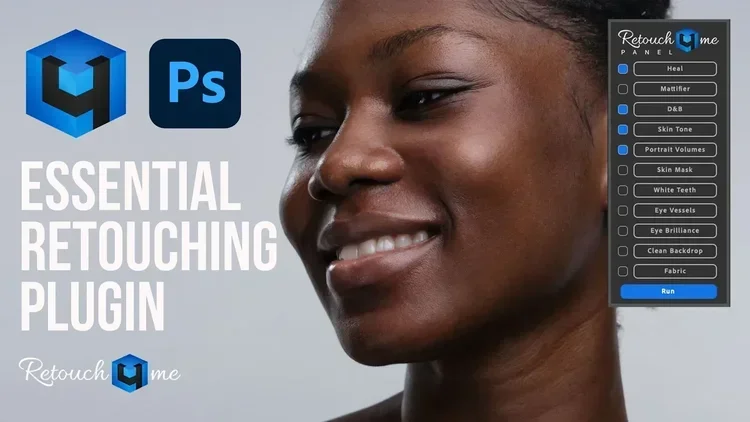
Photoshop · Retouch4me
See how AI retouching tools fit into Photoshop with Retouch4me.
Read the guide03 /
Build an editing foundation, then explore colour and creative character.
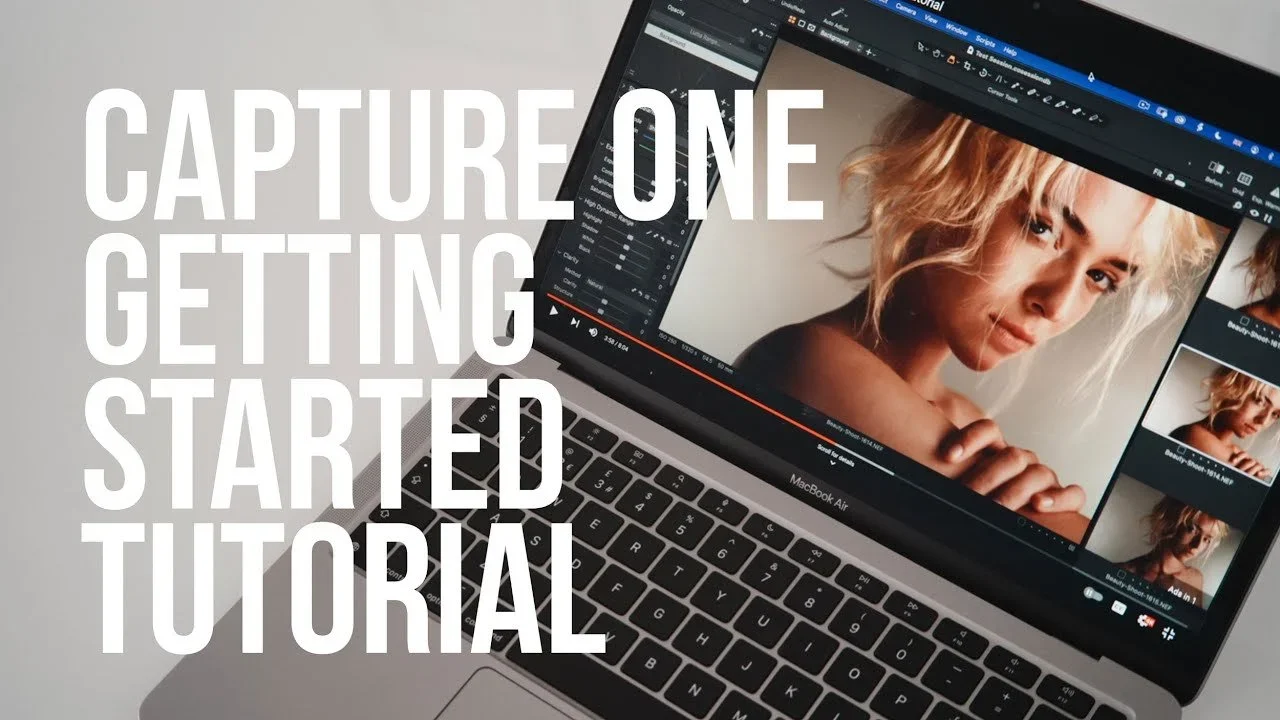
Capture One · Getting started
Get familiar with Capture One and start working through an edit.
Read the guide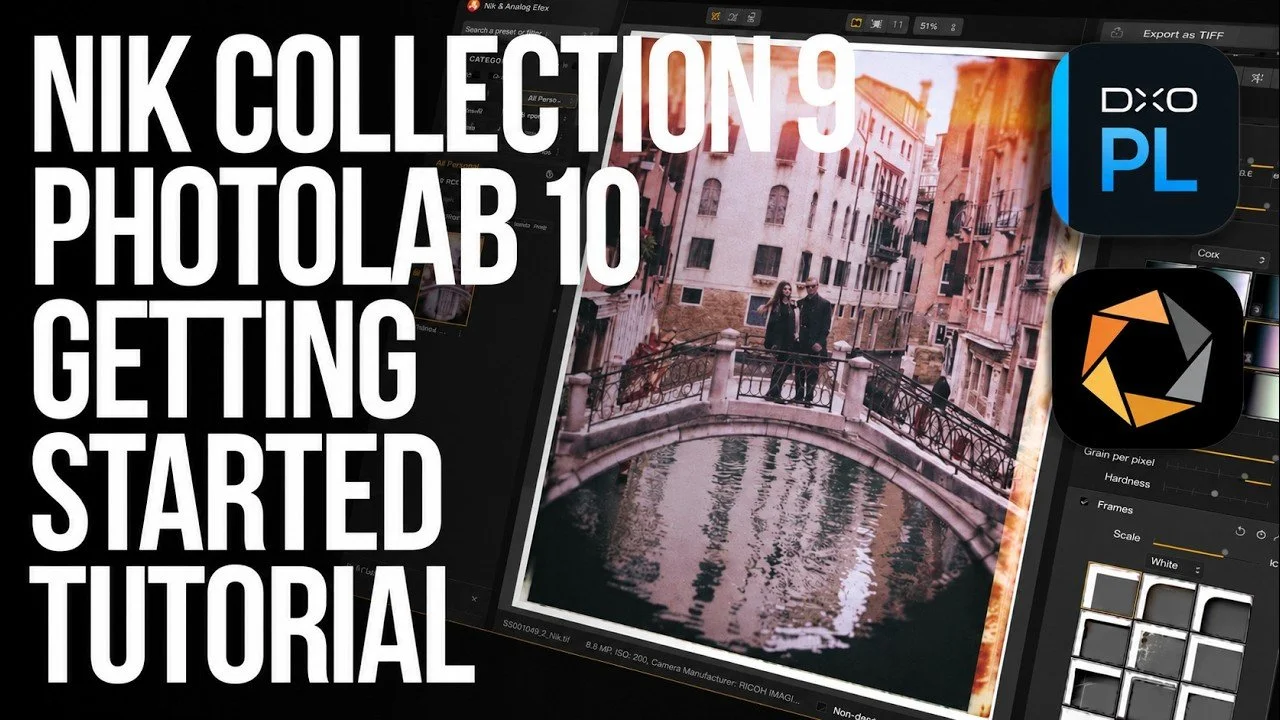
Nik Collection · Getting started
Get to know Nik Collection and where its creative tools fit into an edit.
Read the guide
Capture One · Dehancer
A look at bringing a film-inspired finish to photographs with Dehancer.
Read the guide
DxO PhotoLab · Getting started
Start with the basics of editing RAW photographs in DxO PhotoLab.
Read the guide04 /
Start with DaVinci Resolve: editing shortcuts, skin retouching and Retouch4me. You’ll also find colour grading and Final Cut Pro guides here.
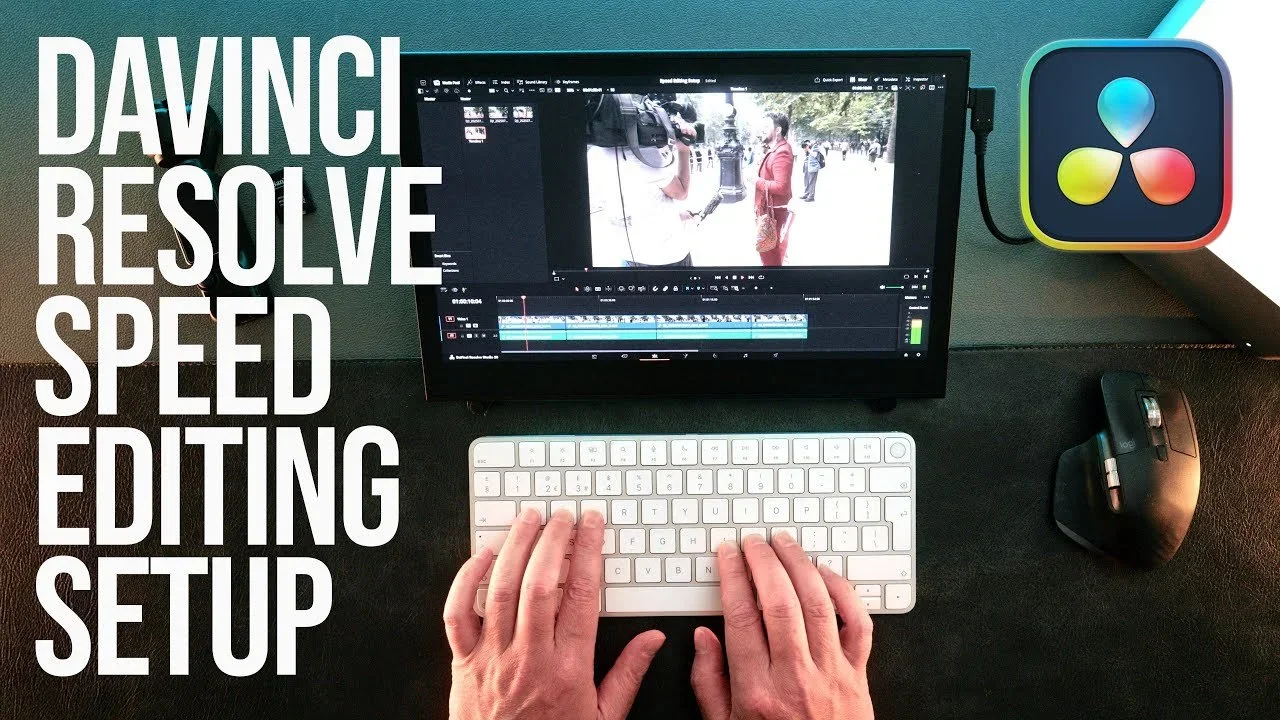
DaVinci Resolve · Shortcuts
Keyboard shortcuts and a setup for working through your Resolve edits.
Read the guide
DaVinci Resolve
A look at removing skin blemishes while working on video.
Read the guide
Retouch4me · Motion
A look at using Retouch4me for beauty and skin work in film.
Read the guide
Colour · Motion
A look at working on beauty colour grades with ToneLab Chroma Pro.
Read the guide
Final Cut Pro · Beauty Box
A look at using Beauty Box for skin retouching in Final Cut Pro.
Read the guide
Final Cut Pro · Getting started
Get to know Final Cut Pro and start working through a video edit.
Read the guideFor software brands & app developers
I work with software brands and developers on product reviews, walkthroughs and tutorials for photographers, filmmakers and creators. The starting point is a task someone recognises: editing a photograph, retouching skin, organising a shoot or finding a better way through a video edit.
That gives a feature some context. People can see what it does, where it fits into the process and whether it might be useful to them.
Software reviews & collaborationsA photographer’s perspective
My commercial photography and filmmaking work informs the questions I bring to a review or tutorial. How does the tool fit into a job? What does it help with? What would someone need to understand before adding it to their own setup?
If you’re developing photo editing software, a retouching tool, a DaVinci Resolve plugin or an app for creative workflows, the guides on this page give you a feel for my approach. You can find collaboration options and contact details on my Work with me page.
Read the product reviewsA few useful answers
I’m Simon Songhurst, a professional photographer, filmmaker and creator with more than 25 years of experience. These guides share the practical side of photography and filmmaking, from capture and retouching to editing and colour.
You’ll find Capture One, Photoshop, DaVinci Resolve, DxO PhotoLab, Nik Collection and tools including Retouch4me, Evoto, Dehancer and Moodcase. DaVinci Resolve is the main starting point here for video editing; the library also includes Final Cut Pro guides.
There are introductory guides for Capture One, DxO PhotoLab, Nik Collection and Final Cut Pro. Other tutorials tackle a specific task. If you’re already working in DaVinci Resolve, try the editing setup and keyboard shortcuts guide before the skin retouching tutorials.
Yes. I work on software walkthroughs, product reviews, sponsored videos, blog features and longer-term partnerships. For a potential collaboration, send the product, the audience you want to reach and your timing through the contact details on my Work with me page.
Watch & explore
You’ll find more of my photography and filmmaking videos on YouTube.
Visit YouTubeCreative collaborations
For software reviews, tutorial collaborations or a commercial photography and film brief, you’ll find more about working together here.
Work with me