0
Skip to Content
WORKFLOW & REVIEWS
WORKFLOWS
REVIEWS
PHOTOGRAPHY
BRANDS
ABOUT
WORK WITH ME
THE EDIT
WORKFLOW & REVIEWS
WORKFLOWS
REVIEWS
PHOTOGRAPHY
BRANDS
ABOUT
WORK WITH ME
THE EDIT
WORKFLOWS
REVIEWS
PHOTOGRAPHY
BRANDS
ABOUT
WORK WITH ME
THE EDIT
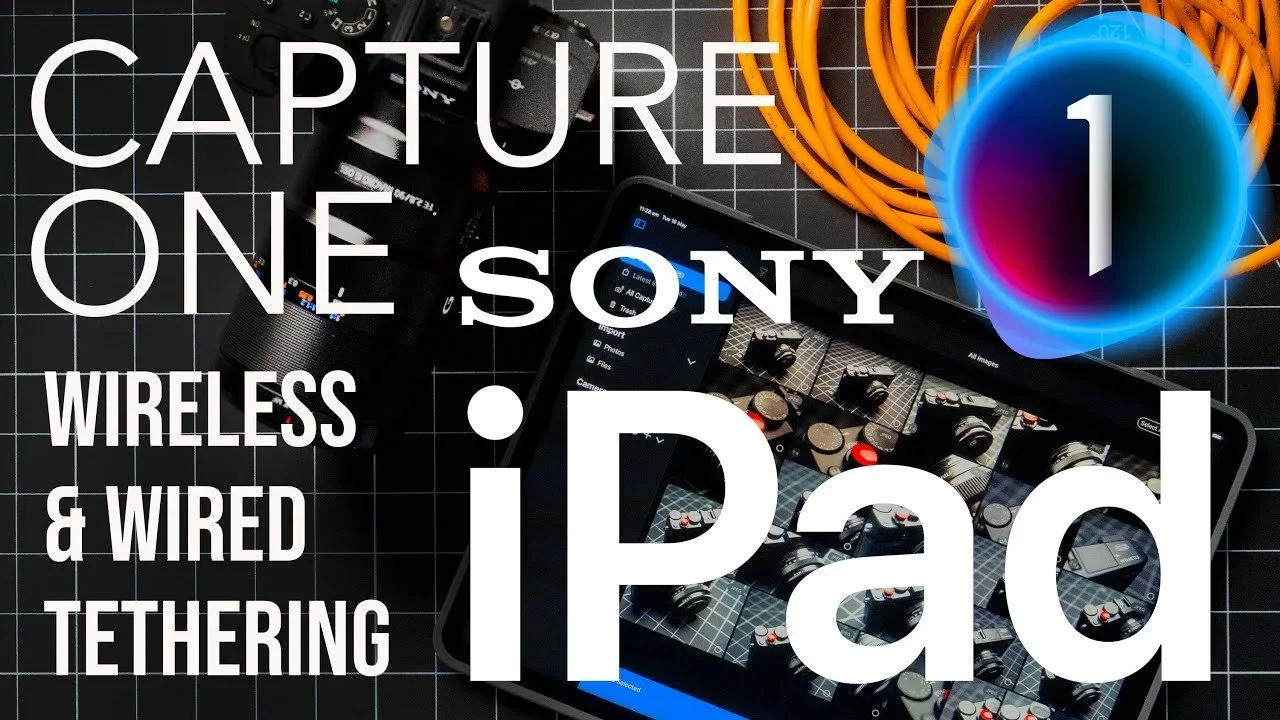
A digital collage with a smartphone displaying camera options, remote controls, orange Ethernet cable, and a large blue circle with a number 1 inside, overlaid with white text stating "Capture One, Sony, Wireless & Wired Tethering, iPad."
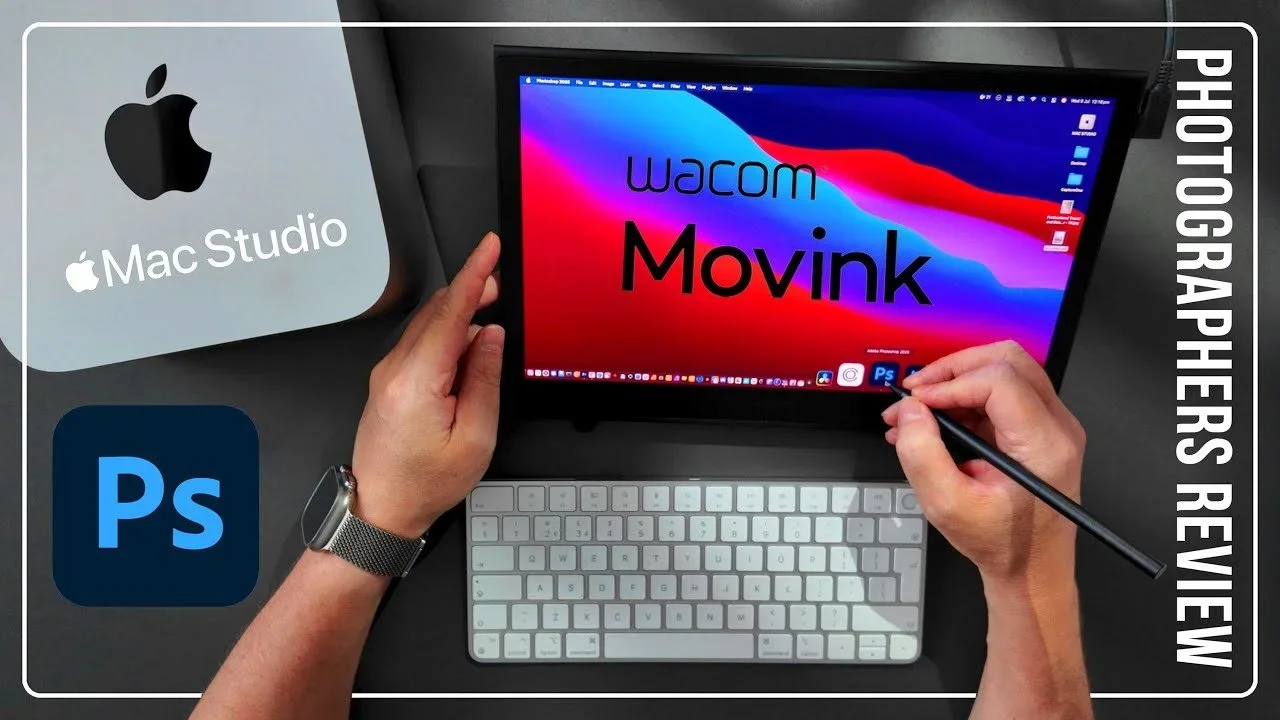
A person is using a stylus to draw on a tablet that displays the words 'Wacom Movink' with a colorful background. Surrounding the tablet are a computer mouse, a Mac Studio, and a keyboard. The image includes text indicating it is an Adobe Photoshop r
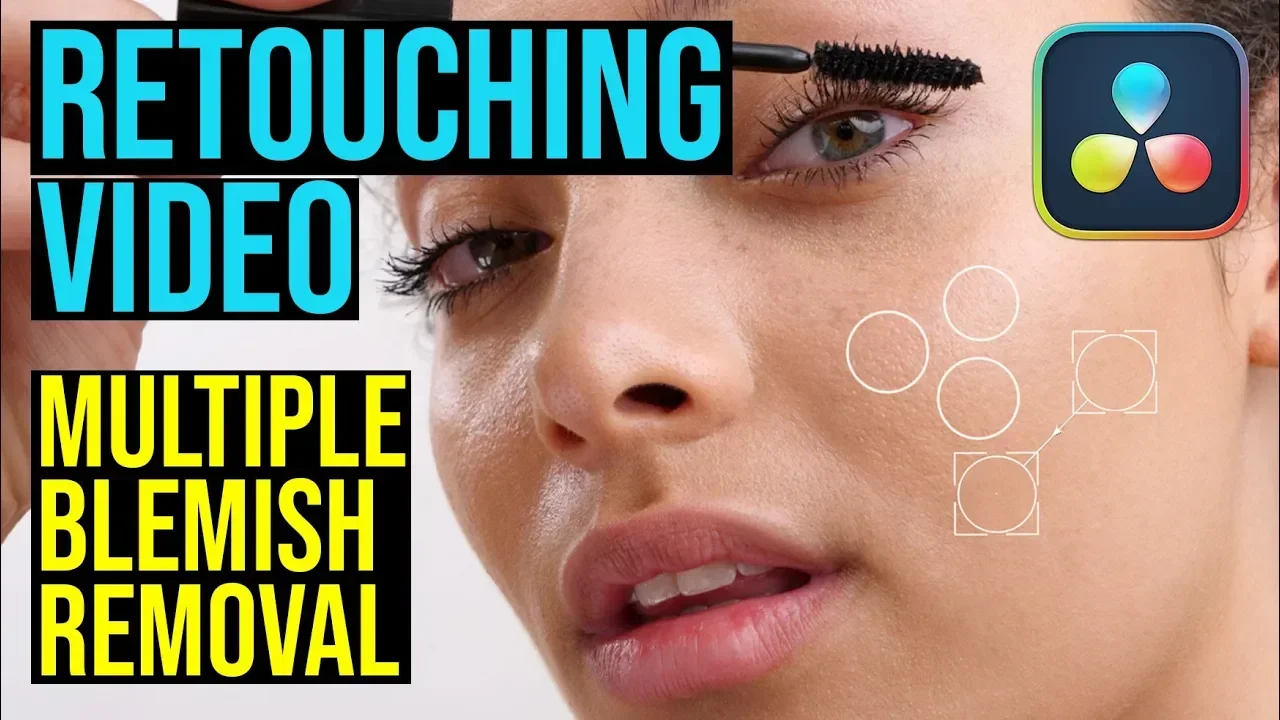
Thumbnail image for a video tutorial on retouching and removing blemishes from skin, featuring a close-up of a woman's face with makeup tools and graphics.
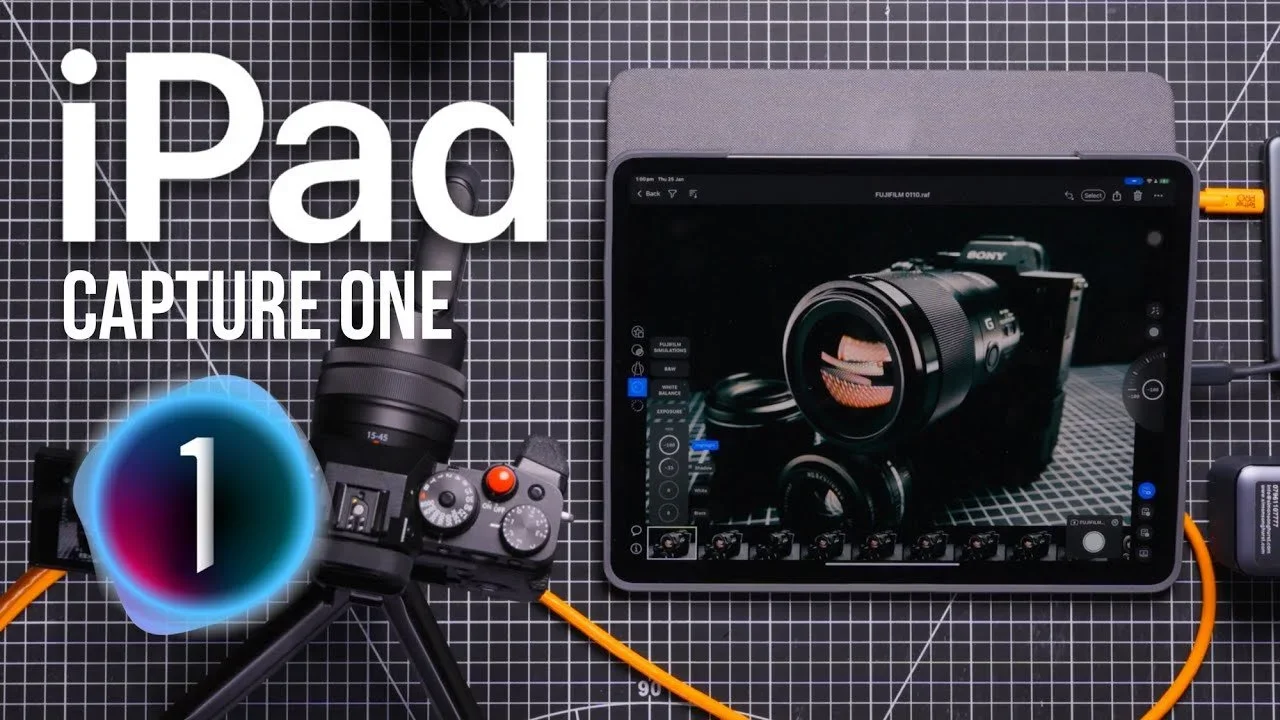
An iPad displaying a camera app with a camera lens on the screen, placed on a black grid surface with various camera and tech accessories surrounding it.
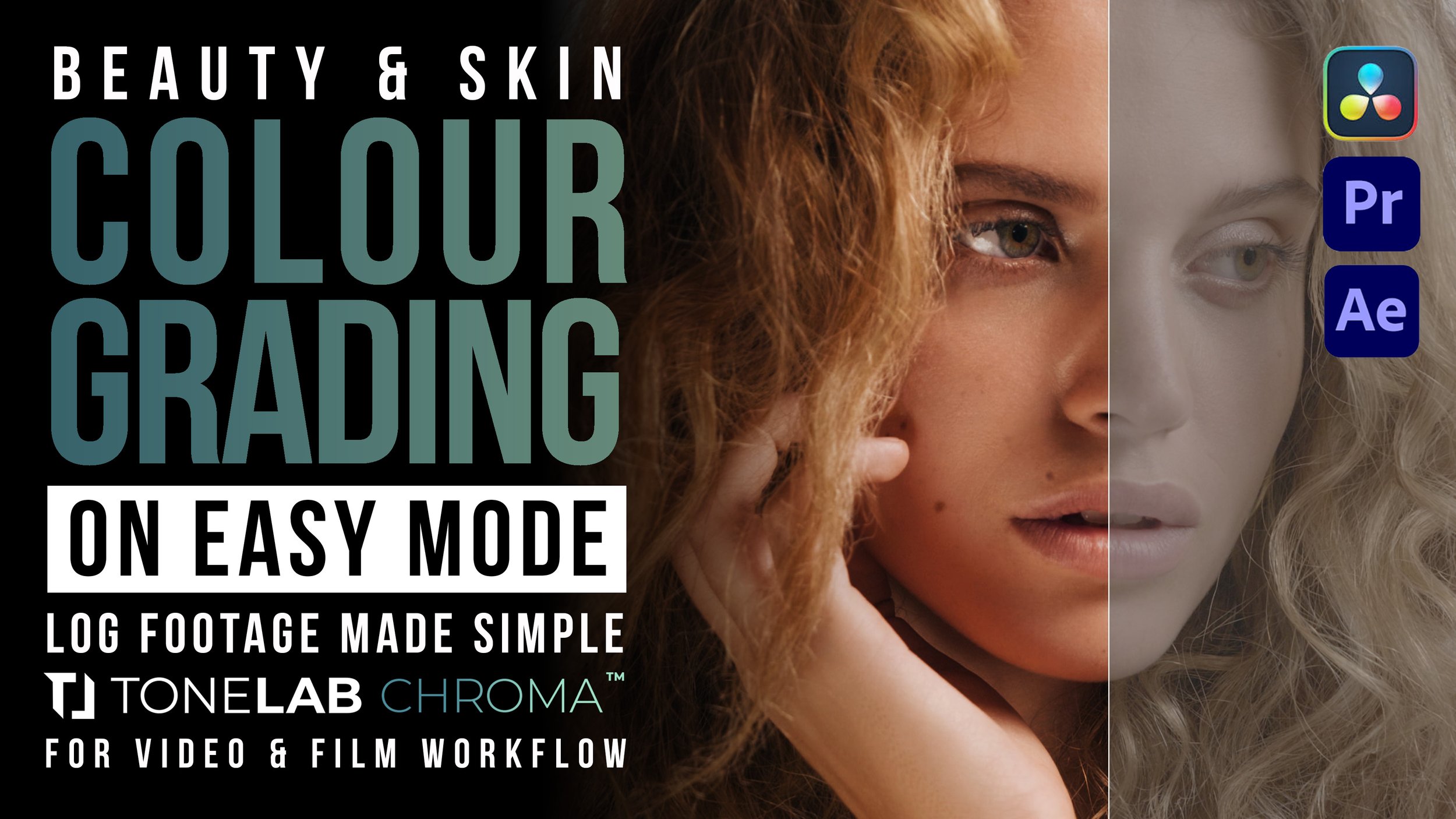
ToneLab Chroma Beauty Grading V3.jpg
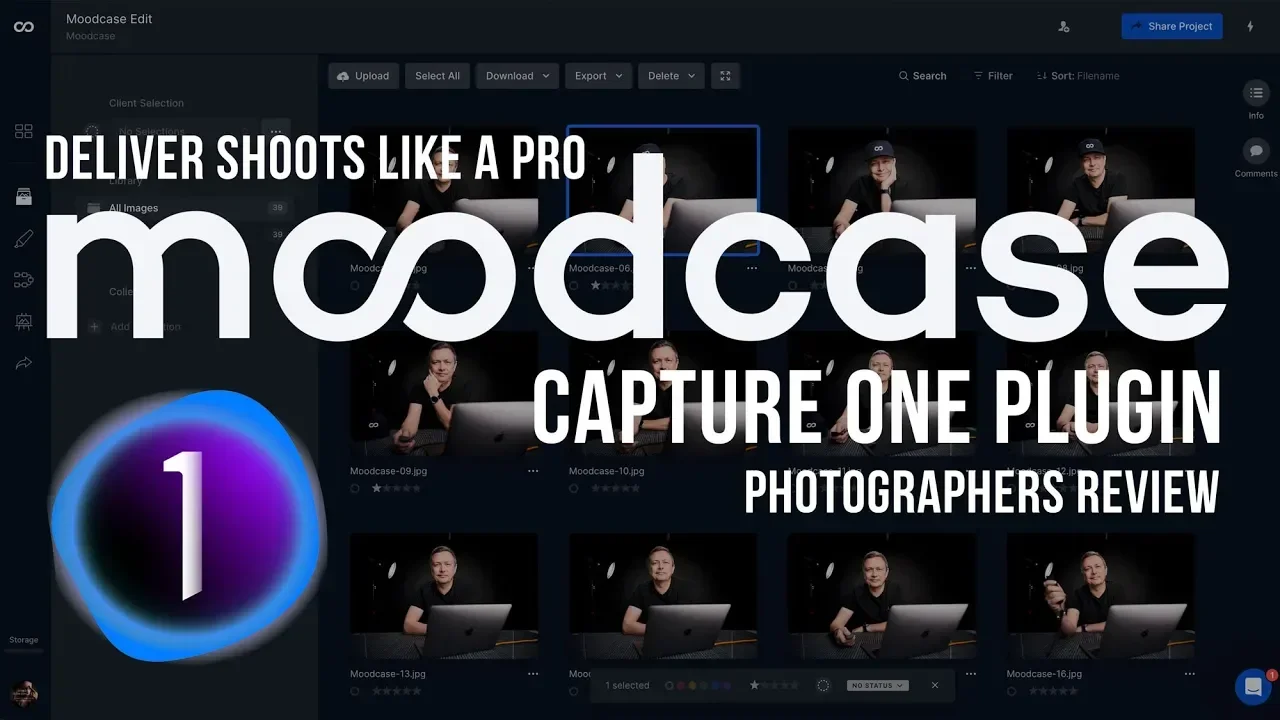
Screenshot of a computer screen showing a photo management software with several images of a man sitting at a desk. Overlaid text promotes the Moodcase plugin for capturing professional shots with the tagline 'Deliver Shots Like a Pro,' and mentions
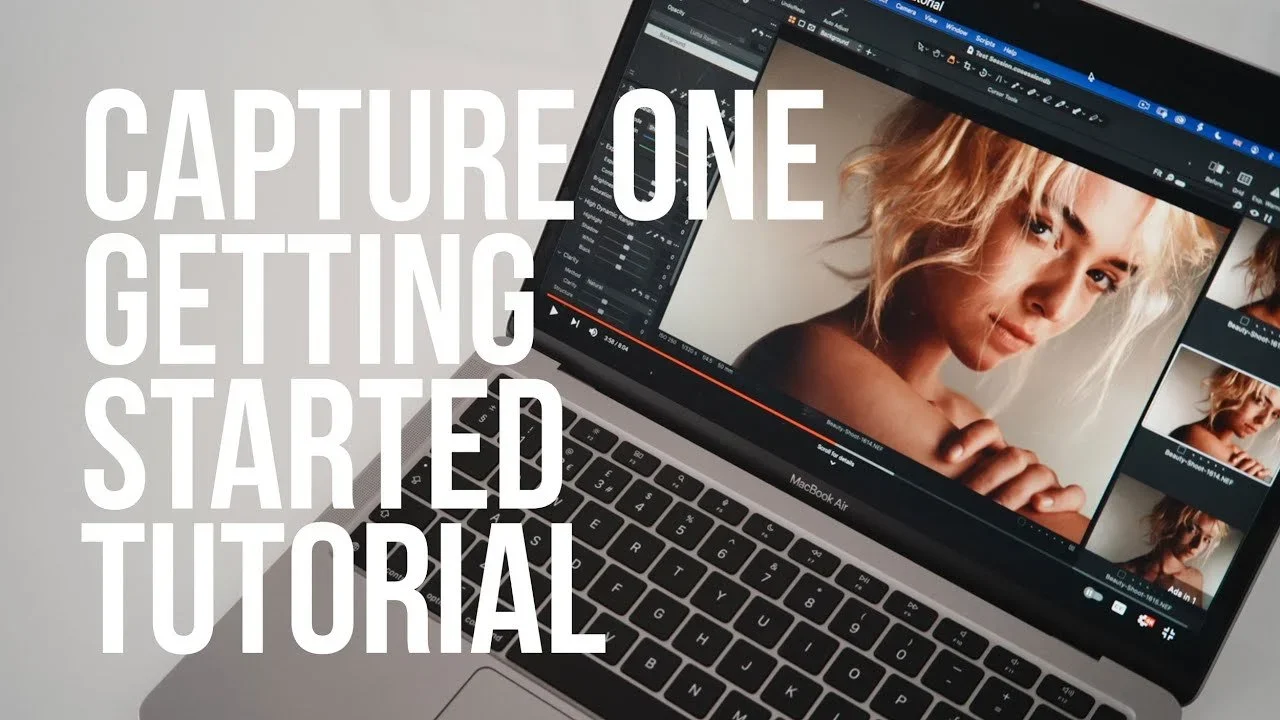
A MacBook Air laptop displaying a photo editing software with an image of a woman with blonde hair on the screen. Overlaid text reads "Capture One Getting Started Tutorial".
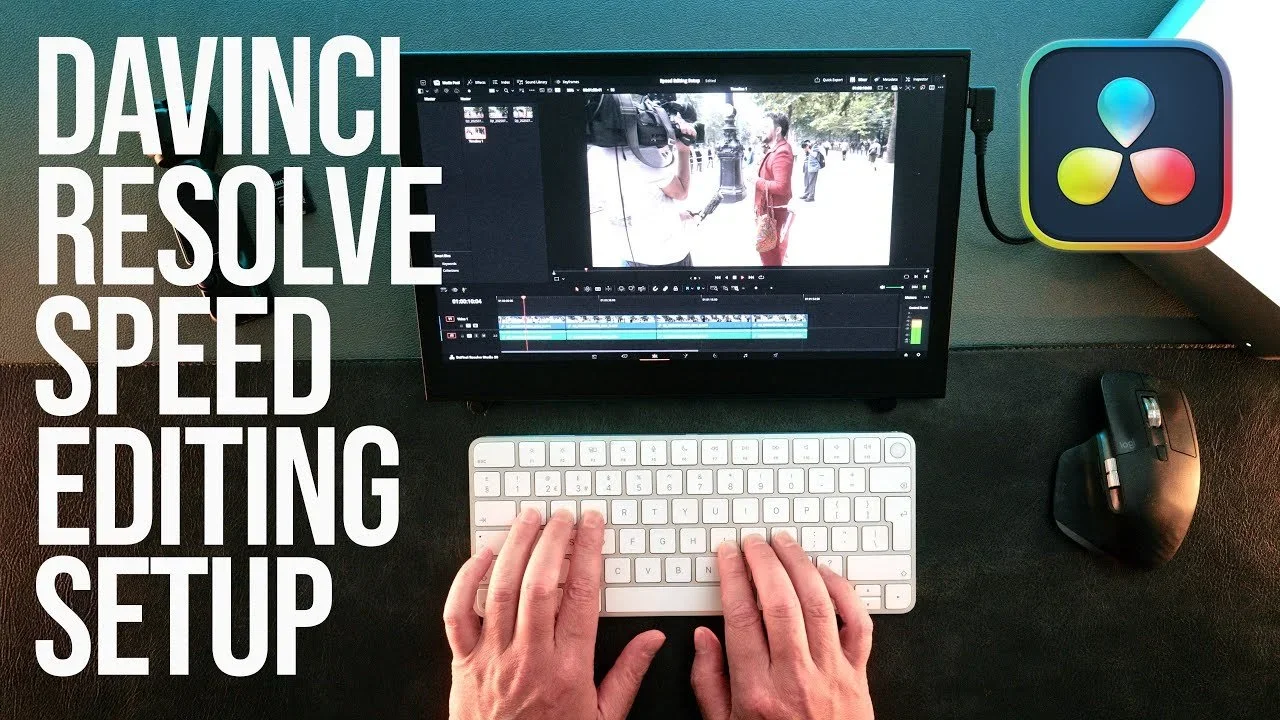
A computer monitor displaying a video editing software with footage of people in an outdoor setting. A person’s hands are typing on a white keyboard, with a wireless mouse to the right. To the left of the monitor, there are large white words saying "
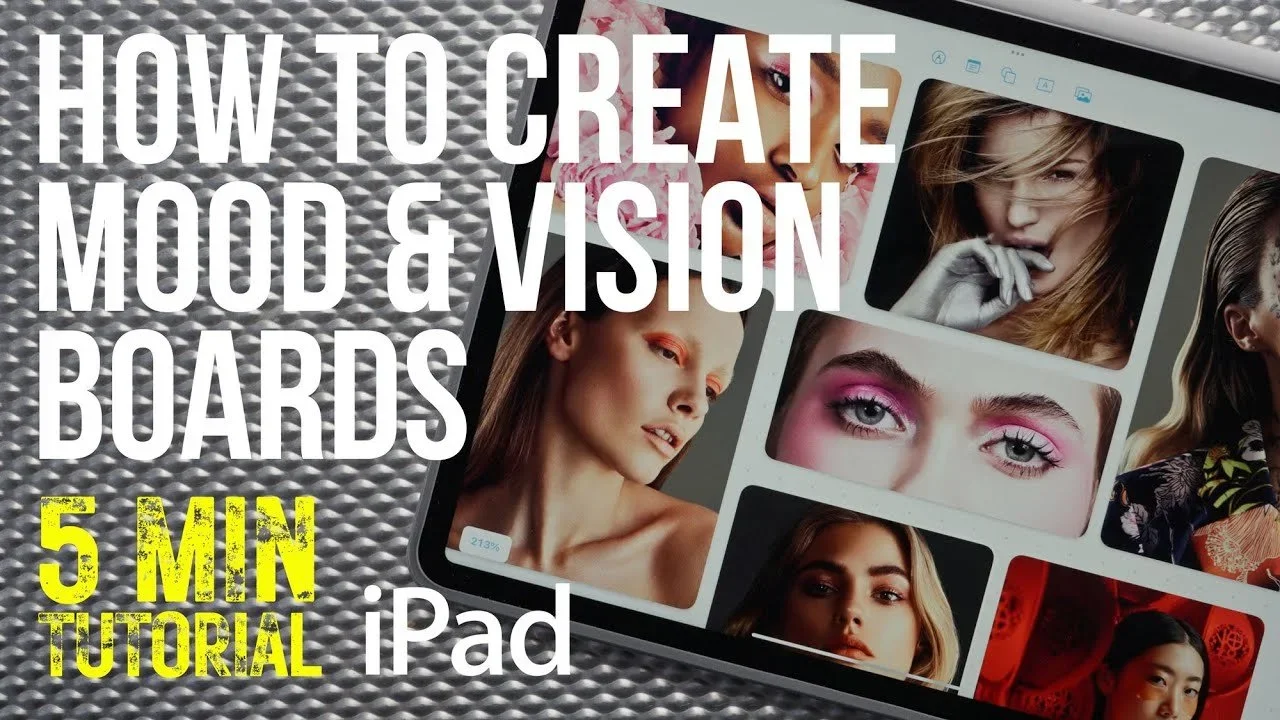
A digital tablet displaying a collage of portrait photographs of women with different makeup styles and hair types, on a textured metallic surface.
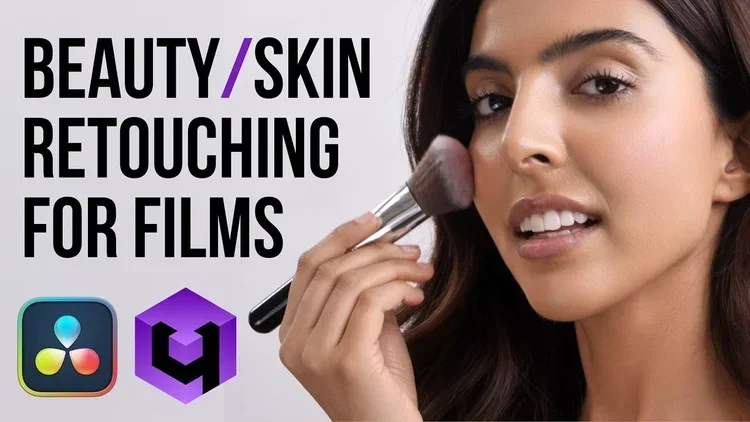
A woman applying makeup with a brush, with text that says "Beauty/ Skin Retouching for Films," and icons of editing software on a white background.
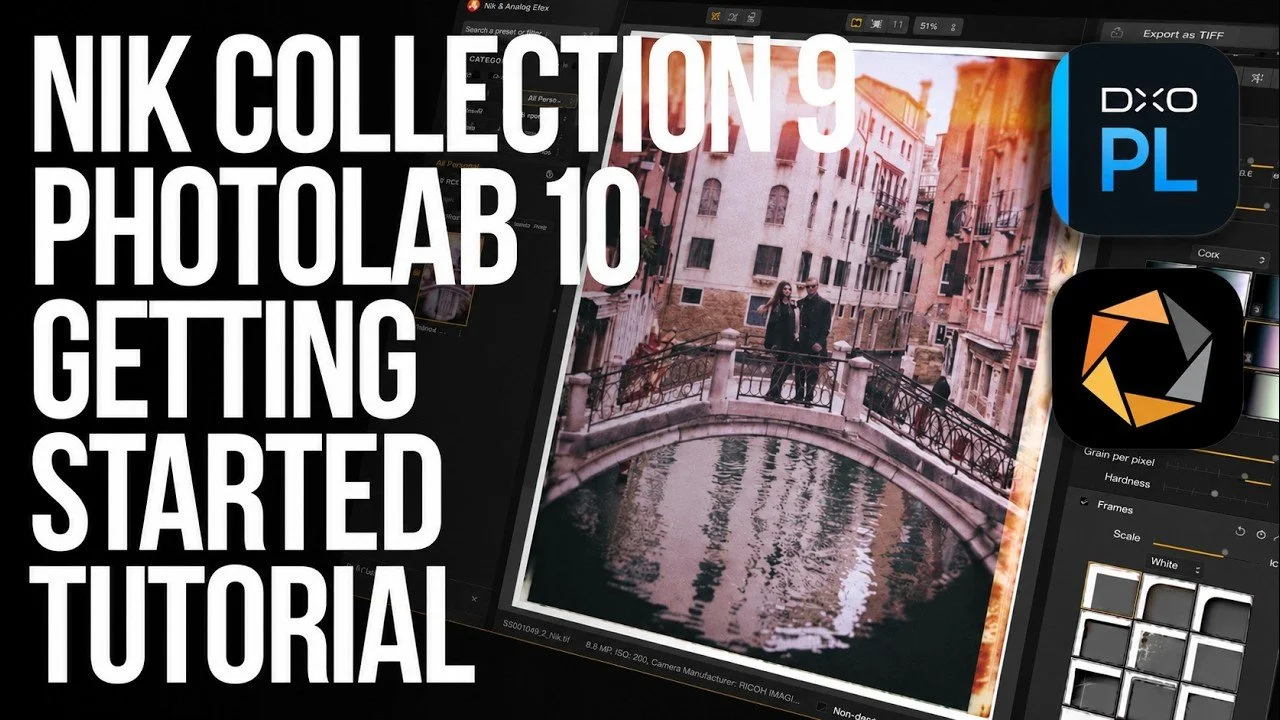
Tutorial cover showing editing software with a photo of two people on a bridge over a canal in Venice.
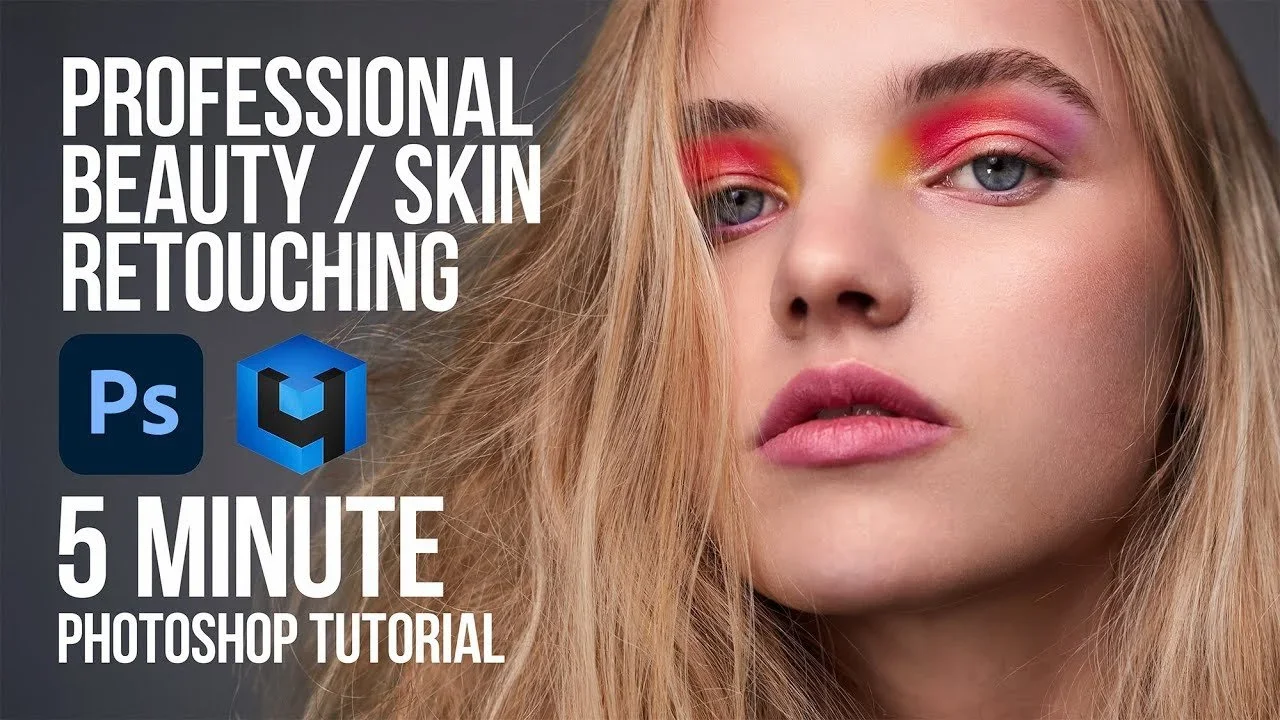
Close-up of a young woman with blonde hair and colorful eye makeup in shades of pink, yellow, and orange. Overlaid text reads 'Professional Beauty / Skin Retouching, 5 Minute Photoshop Tutorial' with logos for Photoshop and a 3D editing software.
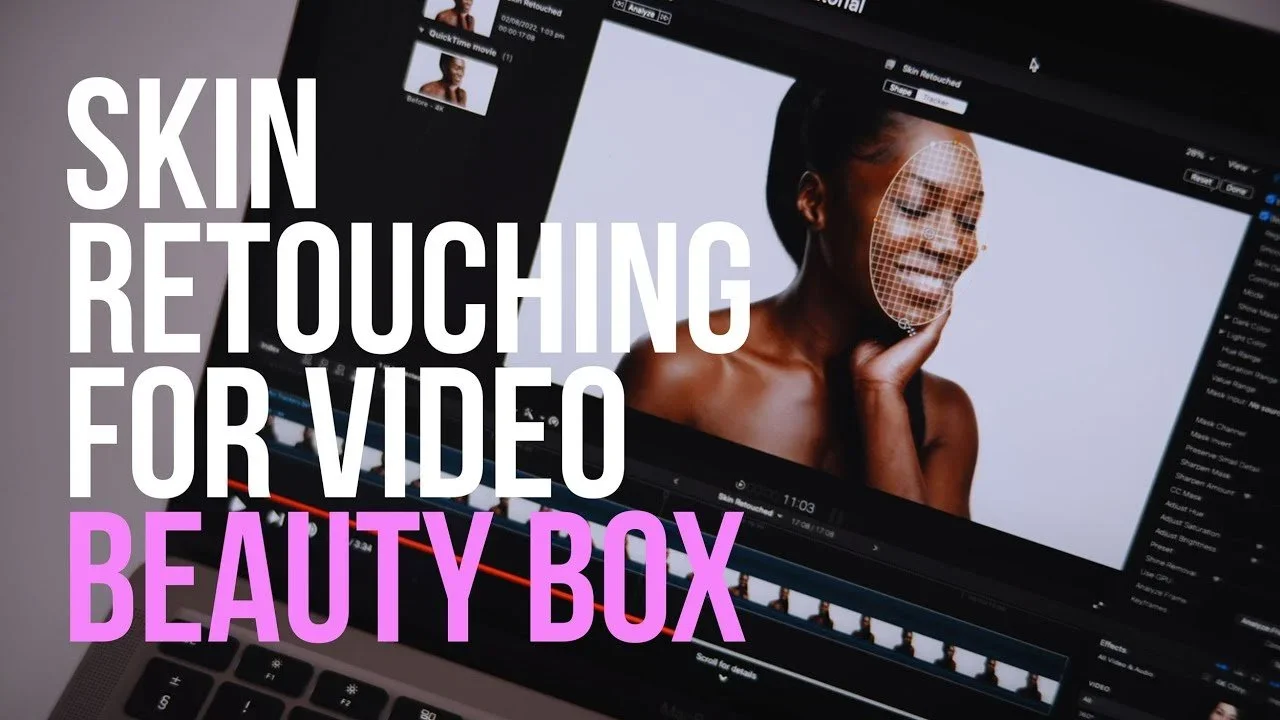
A computer screen displaying video editing software with a photo of a woman with a digital face outline, and text overlay that says "Skin Retouching for Video Beauty Box."
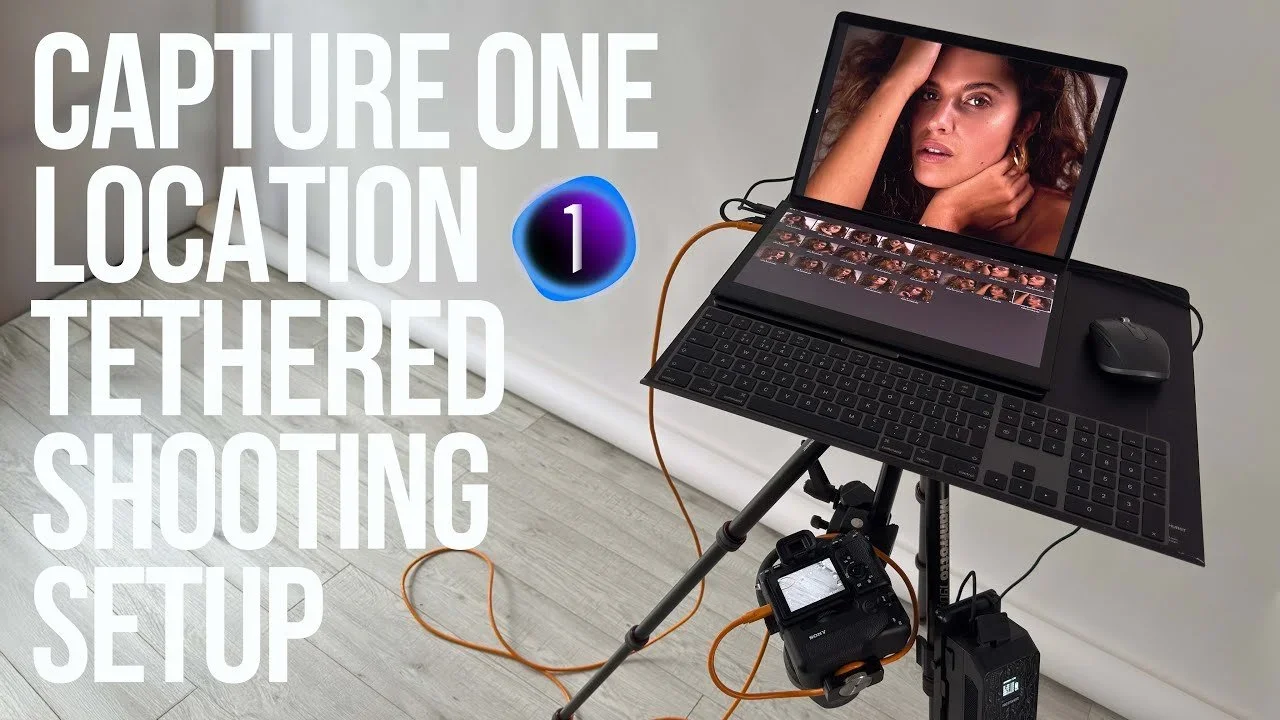
Photography setup with a laptop, camera, and camera accessories for tethered shooting, displaying a woman on the laptop screen, against a light-colored wall and wooden floor.
A woman holding a black umbrella standing by a canal in Venice, Italy, with old buildings in the background, and overlaid text promoting film emulation plugins and discounts.
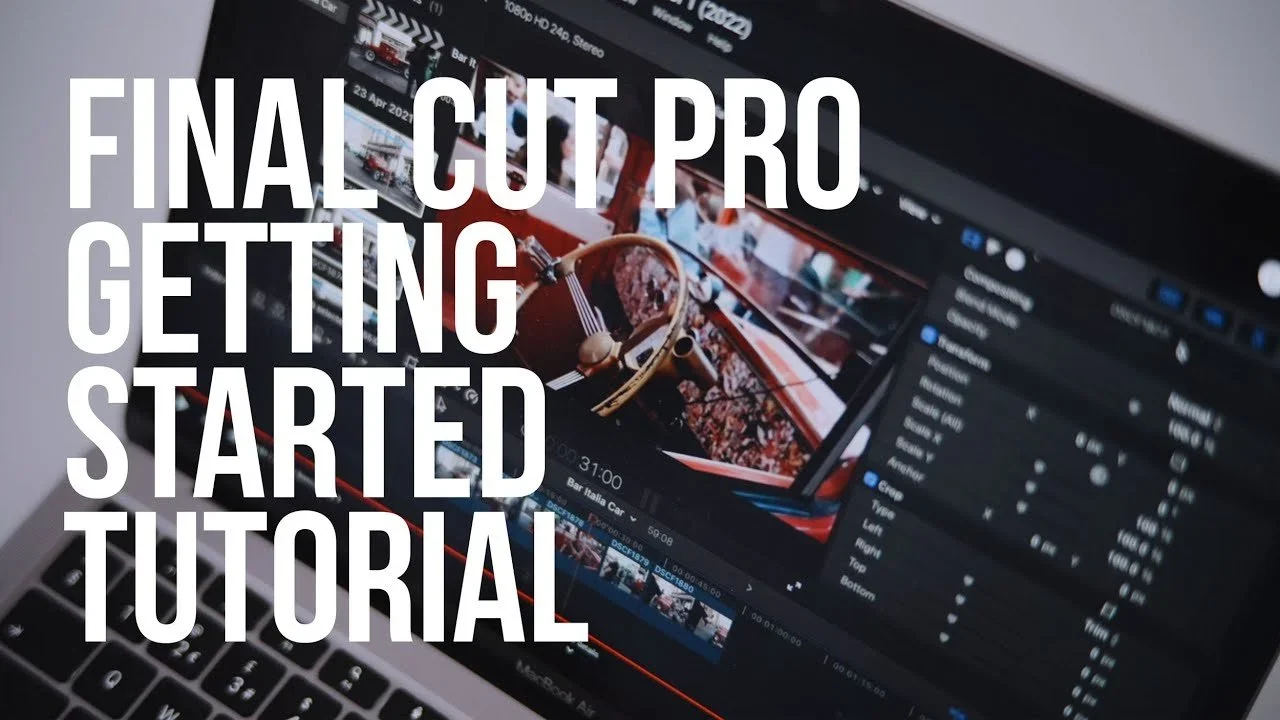
Computer screen displaying a video editing software with a project featuring an orange vintage car interior, overlaid with large white text that reads 'Final Cut Pro Getting Started Tutorial'.
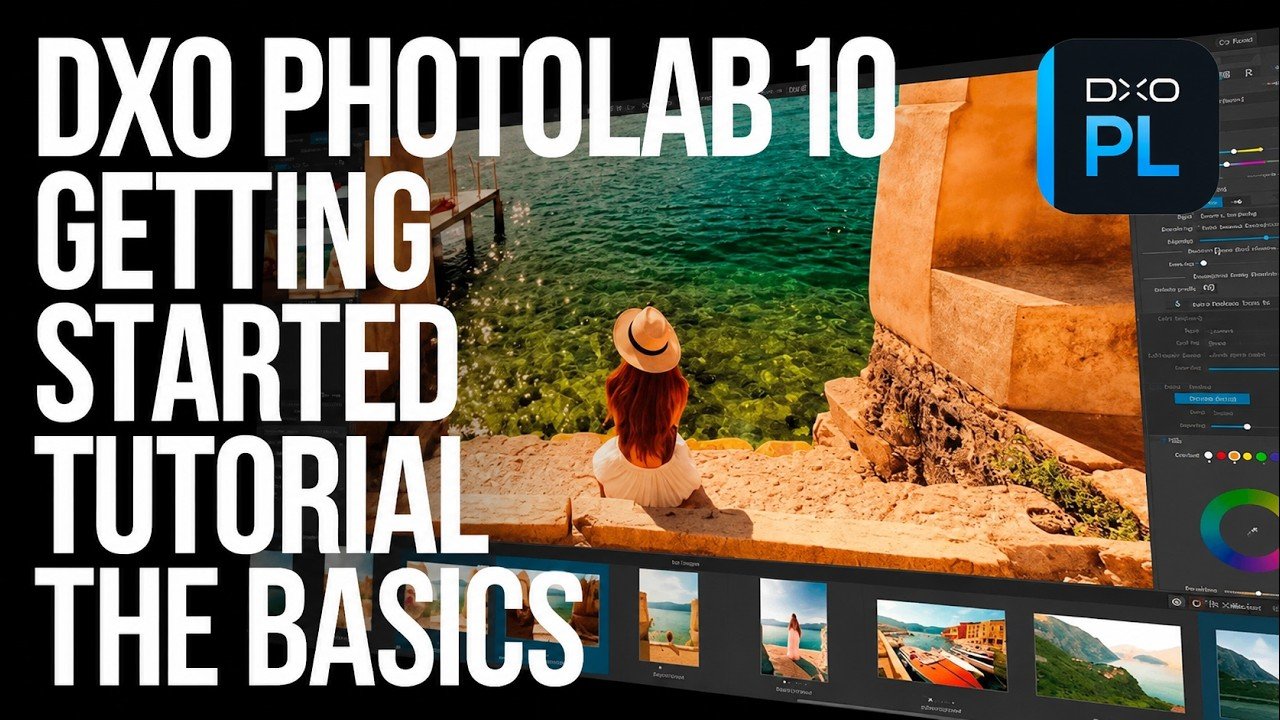
Screenshot of DXO Photolab 9 editing software with a photo of a woman sitting by the water wearing a hat, overlaid with large text 'DXO Photolab 9 Getting Started Tutorial The Basics'.
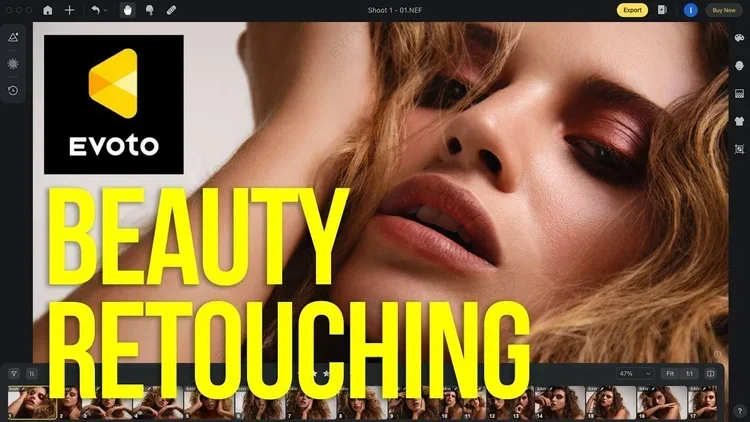
A promotional image for Evoto featuring a close-up of a woman with curly hair and makeup, with bold yellow text that reads "BEAUTY RETOUCHING".
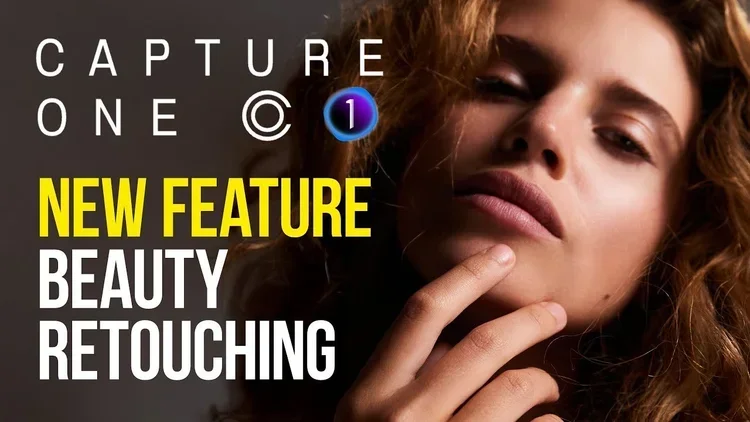
Close-up of a woman with curly hair touching her chin, with overlaid text promoting a new beauty retouching feature in Capture One.
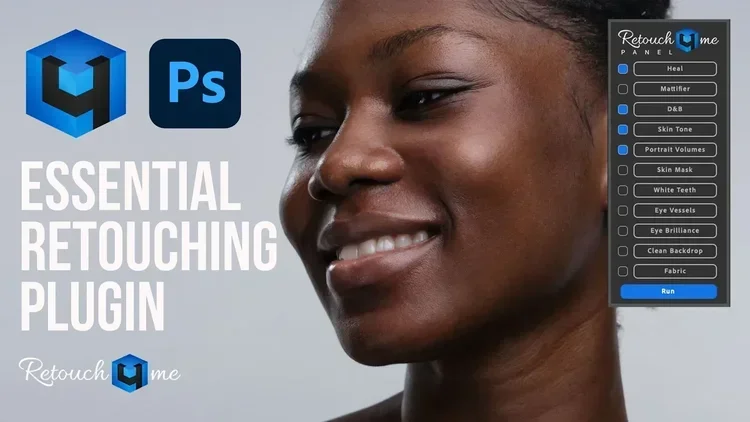
Close-up of a smiling woman with a retouching panel overlay on the right, showing options like heal, matte filter, D&B, skin tone, portrait volume, skin mask, white teeth, eye vessels, eye brilliance, clean backdrop, fabric, and a run button. Text on
Simon Songhurst — Footer preview

Simon Songhurst

Photographer, filmmaker and creator.
Practical workflows, gear reviews and the tools behind the work.

Explore

  • Home
  • Workflow tutorials
  • Gear reviews
  • Journal & articles
  • Brands & creator offers
  • About Simon
  • Commercial photography ↗

Watch on YouTube

  • Workflows & tutorials ↗
  • Gear & Tech ↗
  • PackPort ↗
  • Travel & Street ↗

Work together

Software tutorials, equipment reviews and creative brand collaborations.

youtube@simonsonghurst.comWork with Simon ↗

Browse guides & brand offers

Photography & editing tutorials
  • Capture One on iPad: wired & wireless tethering
  • Retouching with Wacom Movink
  • Fujifilm X-T4 meets Capture One on iPad
  • A client workflow with Moodcase
  • Getting started with Capture One
  • Build a mood board in Apple Freeform
  • Getting started with Nik Collection
  • Beauty retouching in Photoshop
  • A portable Capture One tethering setup
  • Film emulation with Dehancer
  • Getting started with DxO PhotoLab
  • Beauty retouching with Evoto AI
  • Beauty retouching in Capture One
  • AI retouching with Photoshop & Retouch4me
DaVinci Resolve & filmmaking
  • Skin retouching in DaVinci Resolve
  • Beauty colour grading with ToneLab Chroma Pro
  • A faster edit in DaVinci Resolve
  • Retouch4me for DaVinci Resolve
  • Beauty Box in Final Cut Pro
  • Getting started with Final Cut Pro
Software codes & offer details
  • Adobe
  • CineColor
  • Color Precision
  • Dehancer
  • DxO PhotoLab
  • DxO PureRAW
  • Evoto
  • Excire
  • Luminar
  • Motion VFX
  • Mylio Photos
  • Nik Collection
  • ON1 Photo RAW
  • Retouch4Me
  • Tonelab Chroma
Music & audio offers
  • Artlist
  • Audiio
  • Epidemic Sound
  • Soundstripe
Camera gear, carry & accessories
  • 7 Artisans
  • Aura Frames
  • Black Ember
  • FREEWELL
  • Grams 28
  • Gomatic
  • Kraft Geek
  • NEEWER
  • Peak Design
  • Photoolex
  • PLANCK
  • Sirui
  • TACTICAL GEEK
  • Thypoch Lenses
  • Viltrox
  • ZHIYUN
Creative tools & service offers
  • IONOS
  • Milanote
  • Moodcase
  • Pic-Time
  • Set A Light 3D
  • Skillshare
  • Three Mobile

© Simon Songhurst / Photography, filmmaking & creative workflows

Instagram ↗TikTok ↗